

Roles and responsibilities
Fee structures and categories
Billing students
1
Create the fee structure
From Fees, build a structure listing the categories and amounts.
2
Generate fees
Raise a fee for one student, or generate fees for an entire batch in one action.
3
Track outstanding amounts
The Fees list shows what is paid, outstanding, and overdue, with a collections summary.
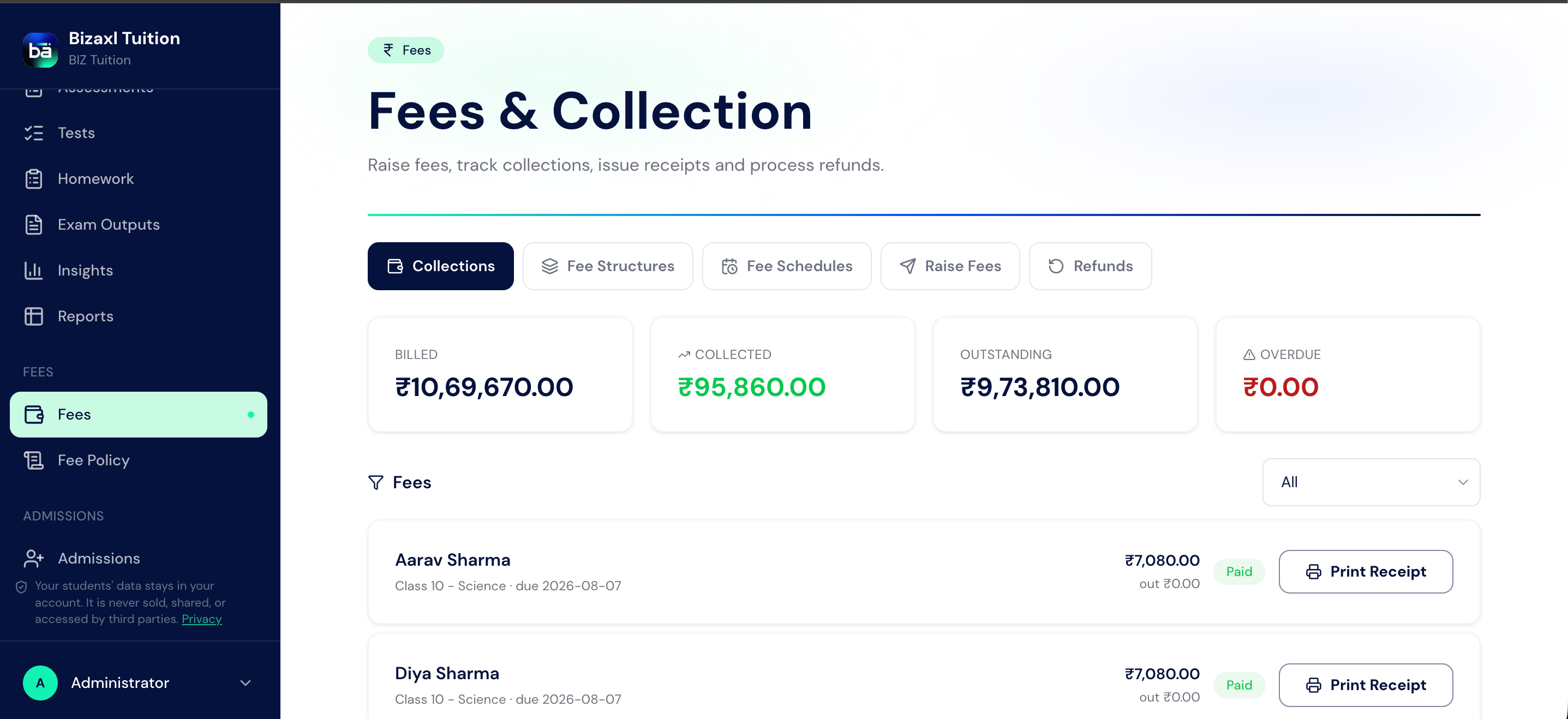
Fee field guide
Collecting payment online
Students and guardians open My Fees to see balances and pay. Behind the scenes the system creates a payment request with an online link. When a payment settles, the student’s guardians receive a payment-received confirmation by email automatically.1
Open My Fees
A student or guardian opens My Fees from their sidebar.
2
Pay the balance
They follow the online payment link to settle the outstanding amount.
3
Confirmation is sent
Guardians receive an emailed confirmation once the payment is received.
Autopay mandates
A fee autopay mandate lets a family authorise recurring automatic payments, so tuition is collected each cycle without chasing.Autopay mandate status flow
Refunds
When a family is owed money back, they (or staff) raise a fee refund request, and a manager approves and processes it.Refund status flow
The fee policy page
The Fee Policy page explains your centre’s rules on payment, due dates, and refunds in plain language for students and guardians. It is visible to everyone so families know what to expect.Automatic fee reminders
Each day the system emails guardians and students a reminder of any outstanding fees, so you do not have to chase manually.Upstream and downstream dependencies
- Upstream: a fee needs a student and usually a program enrolment; guardians must be linked to receive confirmations.
- Downstream: paid fees feed the collections summary and payment confirmations; autopay drives recurring collection.
Best practices
- Link a guardian before billing. Payment confirmations and reminders go to guardians.
- Use fee structures, not one-off bills. Structures keep amounts consistent and let you bill a whole batch at once.
- Approve refunds through the request flow. The requested to approved to processed path keeps a clean audit trail; do not adjust balances by hand.
- Publish a clear fee policy. A visible policy reduces disputes about due dates and refunds.