

Roles and responsibilities
Hall tickets
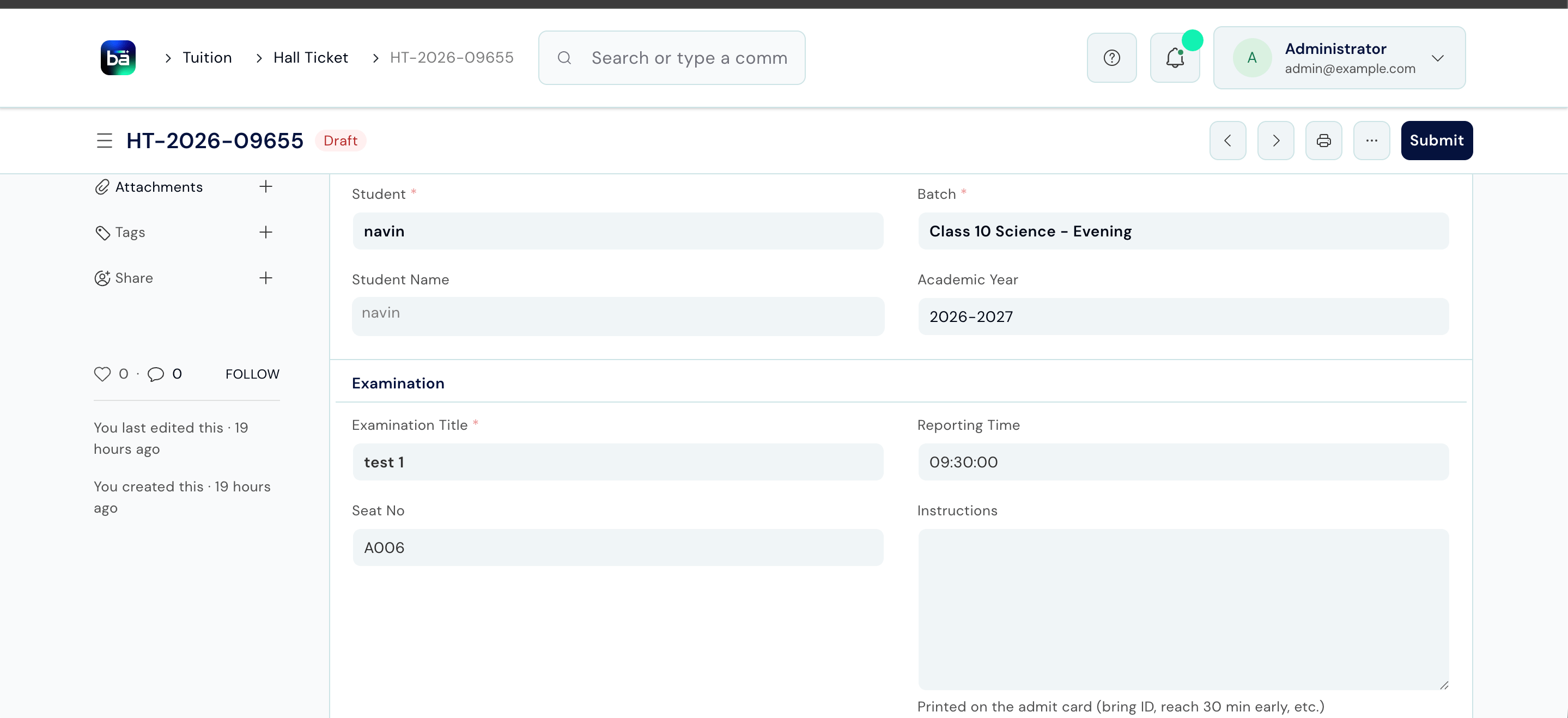
A hall ticket lists the exams a student is scheduled to sit, with the subject, assessment, and room for each.Hall Ticket field guide
Each subject row carries:
Generating hall tickets
1
Open Exam Outputs
From the staff sidebar, choose Exam Outputs.
2
Generate for a batch
Choose the batch and generate hall tickets. One ticket is created per student, filled from the assessment plans.
3
Review the list
Check the generated tickets before releasing them.
4
Submit to release
Submitting finalises the tickets and makes them visible to students and guardians.
Progress cards (report cards)
A student progress card summarises a student’s results across an assessment group.Student Progress Card field guide
Each result row records the course and the student’s outcome in it.
Generating progress cards
The flow mirrors hall tickets: generate report cards for a batch, review the list, then submit to release them. Once submitted, each student sees their own card under My Exams, and guardians see it for their children.Upstream and downstream dependencies
- Upstream: hall tickets need assessment plans with rooms; progress cards need published results.
- Downstream: submitted outputs appear in the student’s My Exams view and the parent portal.
Best practices
- Finish marking before generating progress cards. A card generated with missing marks will show gaps.
- Assign rooms on assessment plans first. Hall tickets copy the room from the plan; a blank room means a blank ticket.
- Submit only when ready. Students and guardians see outputs the moment they are submitted, so review before releasing.