

Role: Administrator and Legal Staff - Book Types and initial cataloguing are typically done by an Administrator. Day-to-day lending and returns can be managed by any Legal Staff member.
How the Library Works
- Book Type - categorises the collection.
- Book - one record per title in the library.
- Lend Book - a borrowing record created each time a book leaves the shelf.
Set Up Book Types
Book Types let you organise your collection into categories. Path: Law Management → Books and Journals → Book Type → NewAdd a Book to the Library
Path: Law Management → Books and Journals → Book → New Requires: Book Type must exist. If purchasing through BAS and the auto-create setting is on, this step happens automatically.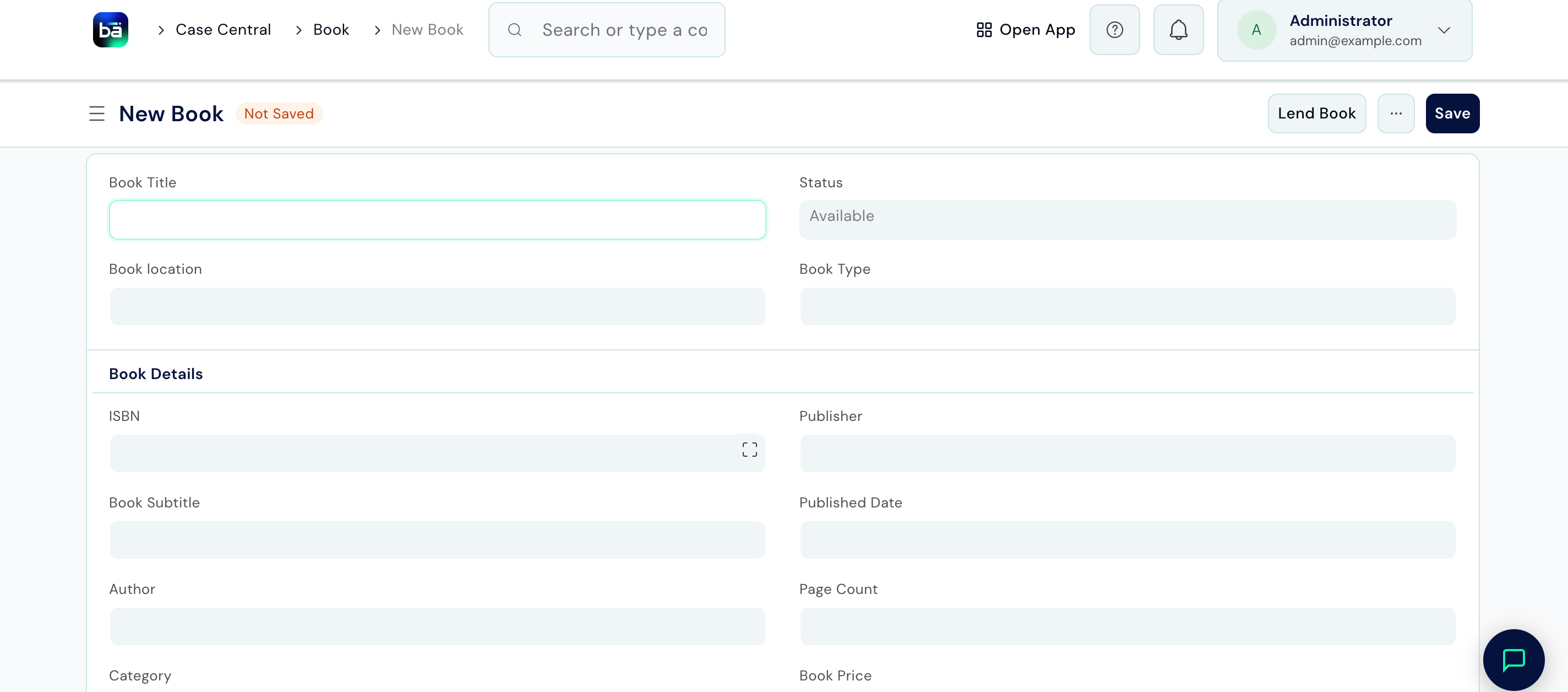
Lend a Book
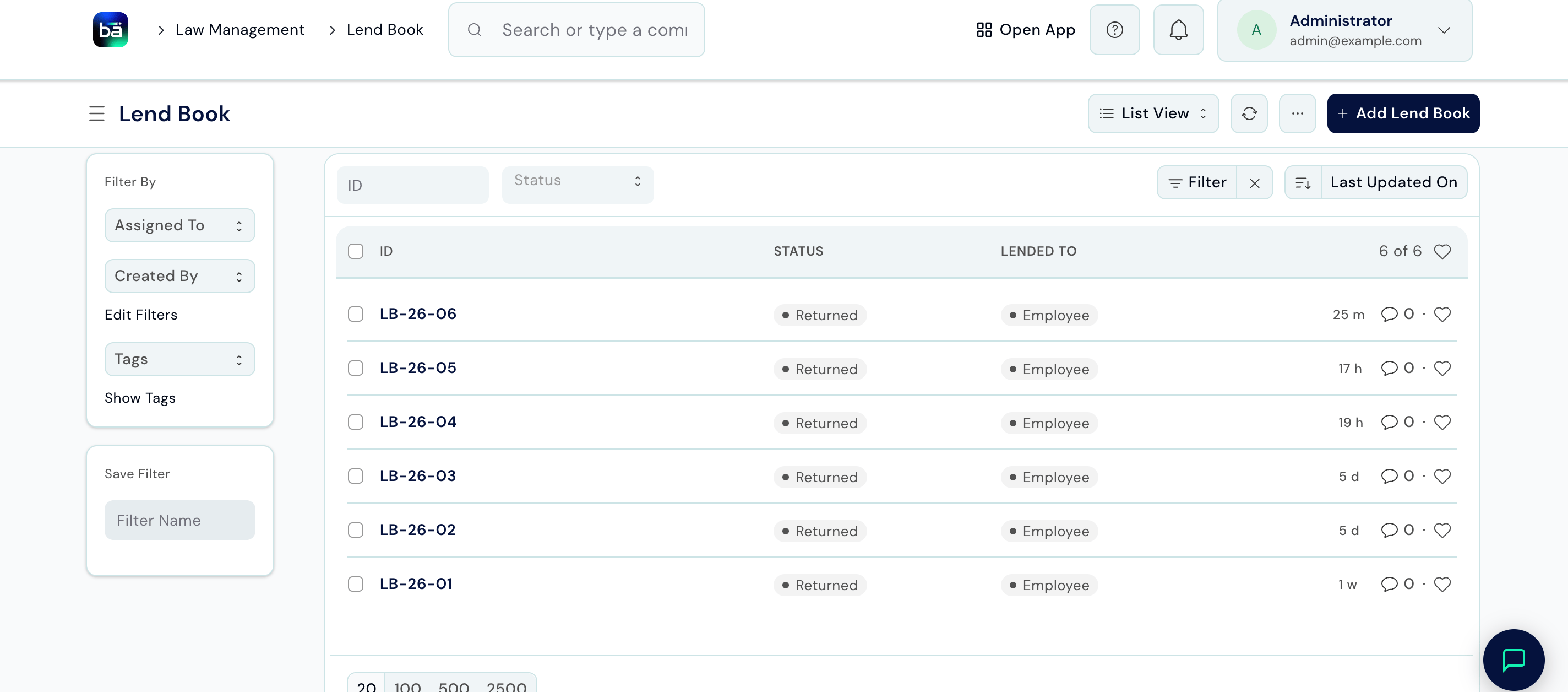
When a staff member or guest takes a book, create a Lend Book record immediately. Path: Law Management → Books and Journals → Lend Book → New Requires: The book must exist and have Status = Available.
Record a Return
When a book comes back:- Open the Lend Book record for that borrowing.
- Update Status to
Returned. - Save.
Available automatically.
Check Library Availability
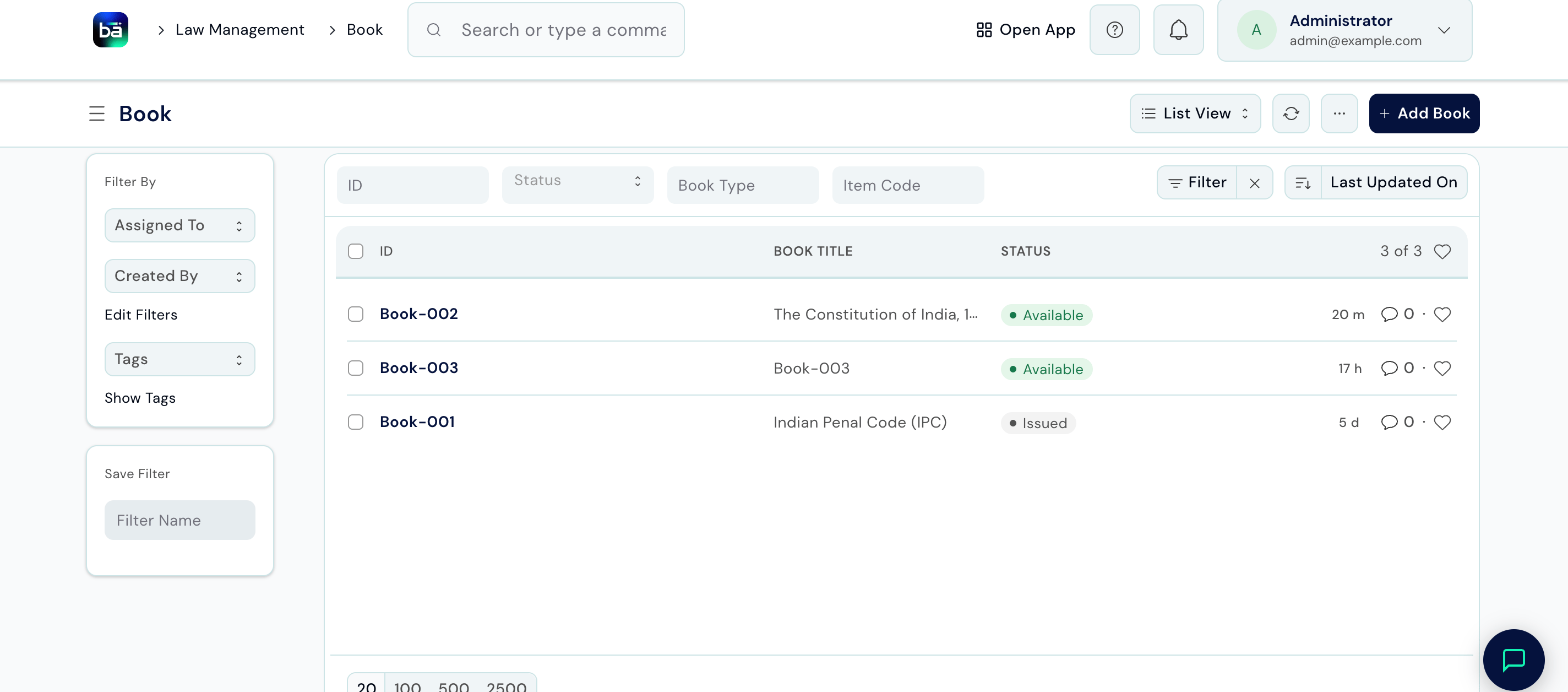
To see which books are currently on the shelf: Path: Law Management → Books and Journals → Book → filter Status = Available To see all books currently on loan: Path: Law Management → Books and Journals → Lend Book → filter Status = IssuedTips
- Enable auto-create in Law Management Settings if your firm buys books through BAS. This eliminates manual data entry for every purchase - the book record appears automatically.
- Record Lend Book entries immediately, not at the end of the day. A book taken without a record is a book that can’t be located when someone else needs it.
- Use the Return Date field to set expectations. When a book is overdue, the Lend Book list filtered by Status = Issued and Return Date < today makes it easy to follow up.
- Add descriptions for rare or specialised editions so staff can identify whether the specific edition they need is in the library before searching the shelf.