

Role: Legal Staff - Creating clients, opening matters, and recording service entries is done by Legal Staff (Advocates, Paralegals). The billing catalogue (Legal Services and rates) is configured by an Administrator - see Setup.
Clients
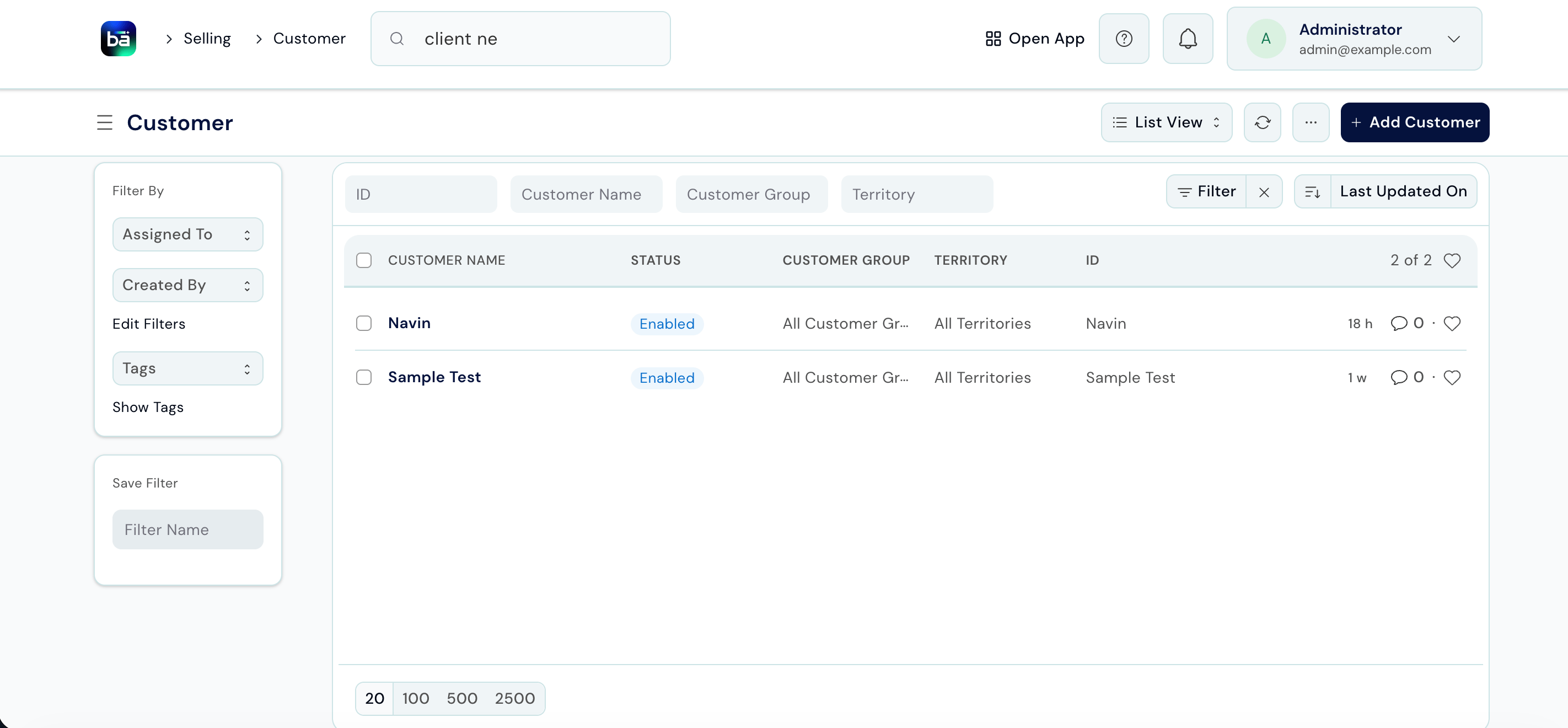
A client is the person or organisation the firm acts for. Client records are shared with BAS, so any invoice you raise later links back automatically.Create a Client
Path: Law Management → Matter Management → Client → New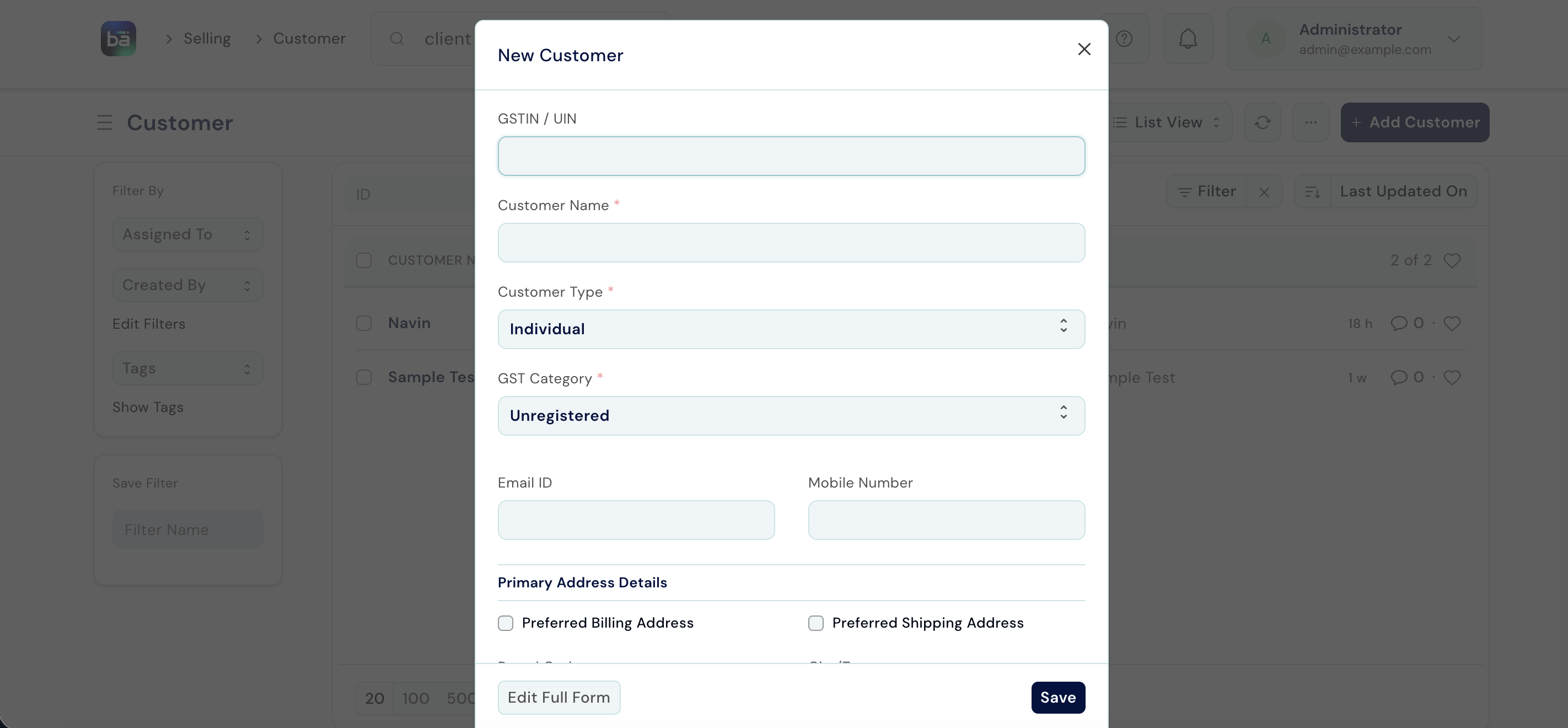
Save the record. The client is now available to link to matters.
Matters
A matter is a client’s file - the main unit of work in Law Management. One client can have multiple matters running simultaneously (for example, a civil suit and a separate property dispute).Create a Matter
Path: Law Management → Matter Management → Matter → New Requires: The client must already exist. Matter Type, Service Type, Service, and File Type must be configured in Setup.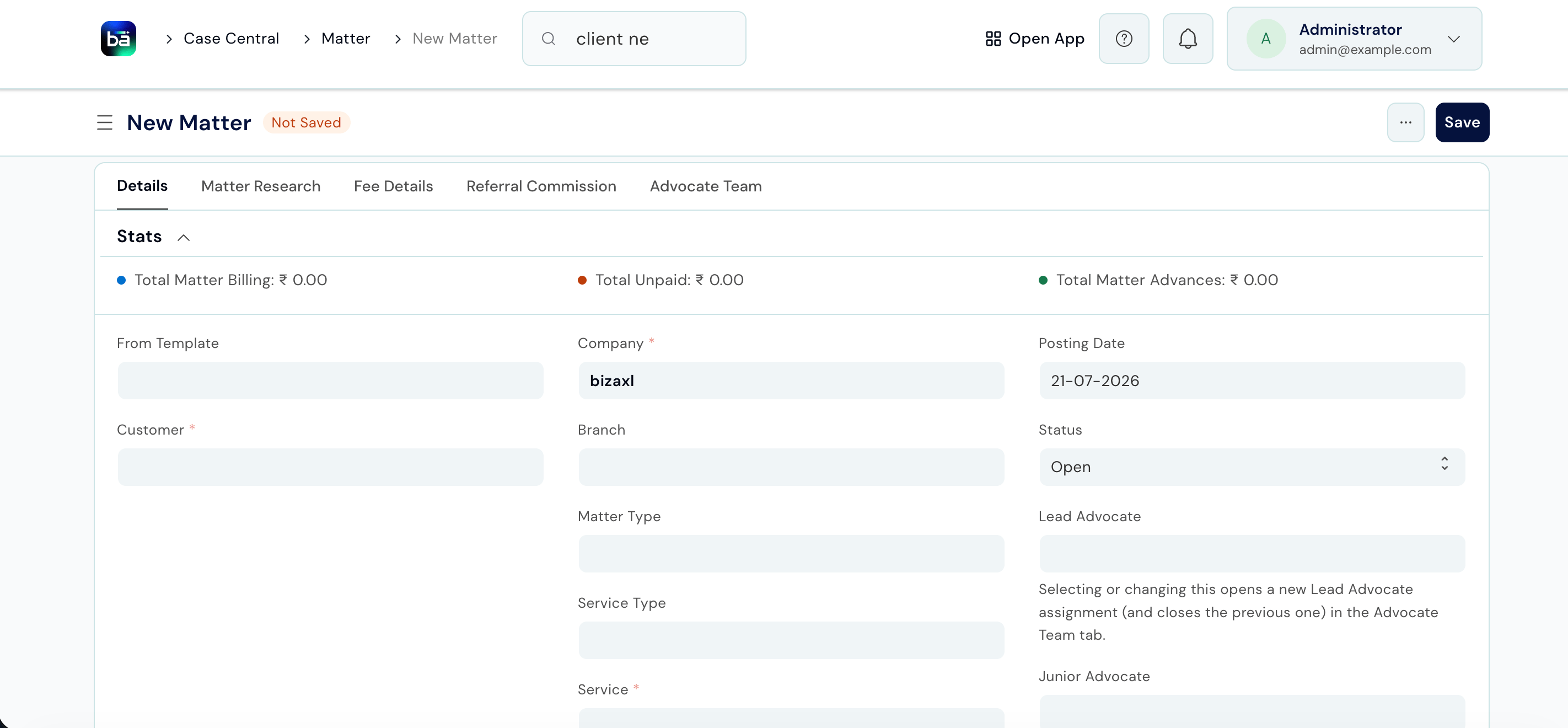
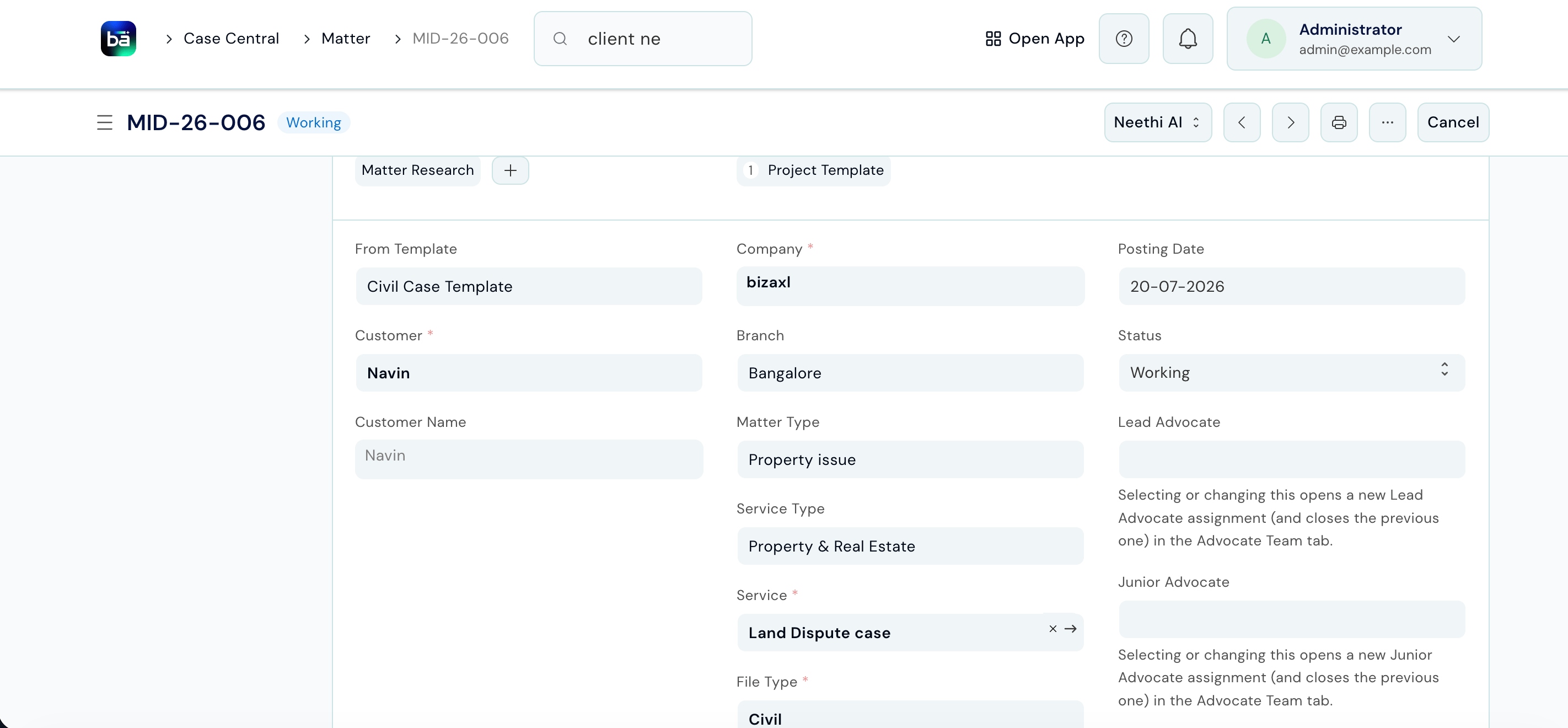
Matter Statuses
Link Related Matters
If two matters are connected - for example, a civil suit and a related execution petition for the same client - link them in the Linked Matter section on the matter record. This lets you navigate between related files quickly.Tasks
Each matter can have multiple tasks - specific actions the team needs to take (drafting, filing, research, court appearances, etc.). Path: Open the Matter → Task section → New Task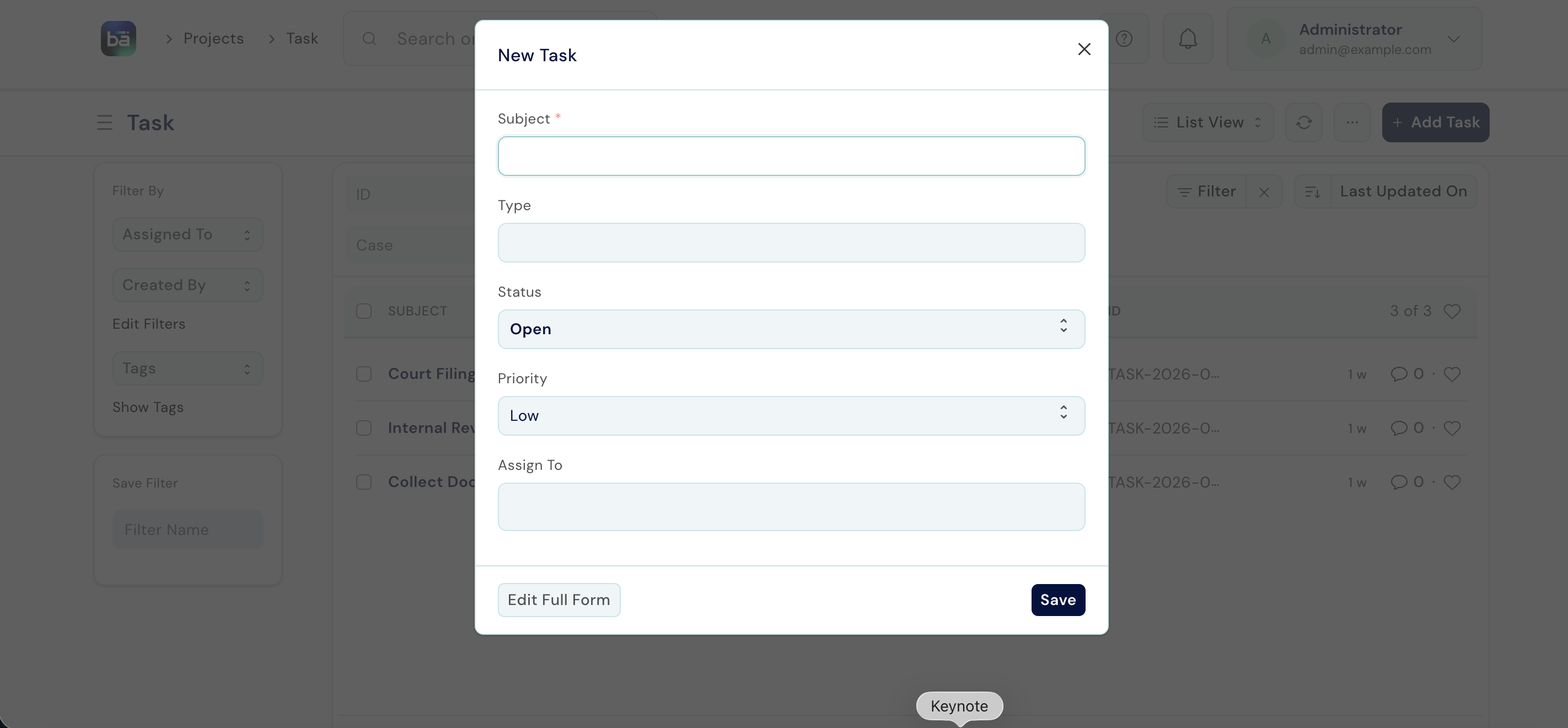
You can view and filter all tasks across all matters from Law Management → Matter Management → Task.
Billing Flow
Billing follows a four-step flow from service catalogue to BAS invoice: The first two steps are performed by an Administrator during Setup. The last two steps are performed by Legal Staff as work is done.Step 3 - Record a Legal Service Entry
After work is performed for a client, record it as a Legal Service Entry. This is the billable line item. Path: Law Management → Matter Management → Legal Service Entry → New Requires: The matter must exist. The Legal Service and its rate must be configured in Setup.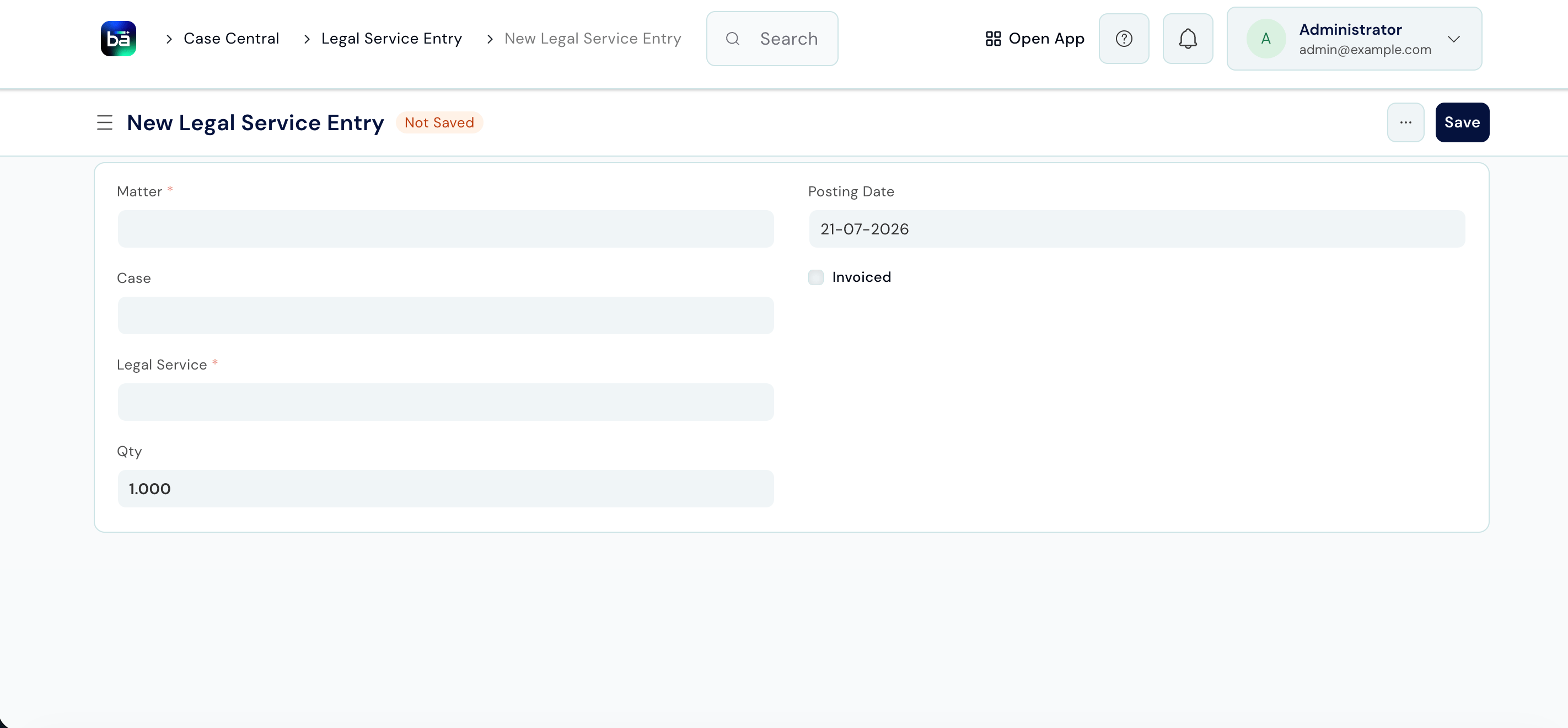
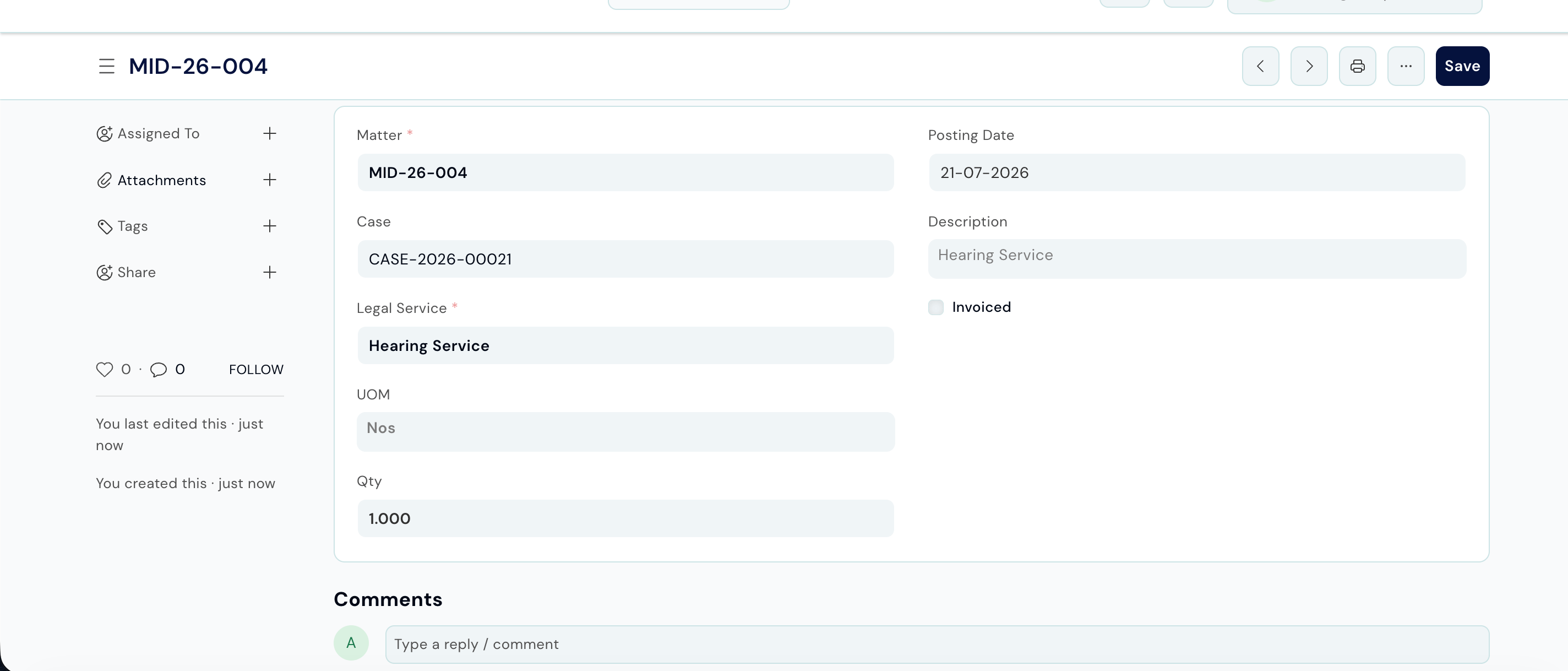
Step 4 - Raise a BAS Invoice
Once you have recorded all Legal Service Entries for a billing period, raise a Sales Invoice against the client in BAS. The entries appear as line items on the invoice. For full invoicing instructions, see the BAS documentation.Tips
- One client, many matters - always check if the client already exists before creating a new one. Duplicate client records cause confusion when raising invoices.
- Set the Status to Completed when a matter concludes - this keeps your active matter count accurate on the home screen.
- Use Matter Templates (configured in Setup) to auto-create standard tasks when opening common matter types. This ensures nothing is missed and saves setup time.
- Record Legal Service Entries as you go, not at the end of the month. Entries recorded near the time of work are more accurate and less likely to be missed.
- Link related matters - if a client has a connected follow-up matter (e.g. an appeal from an earlier case), use Linked Matter so the team can navigate between files without searching.