

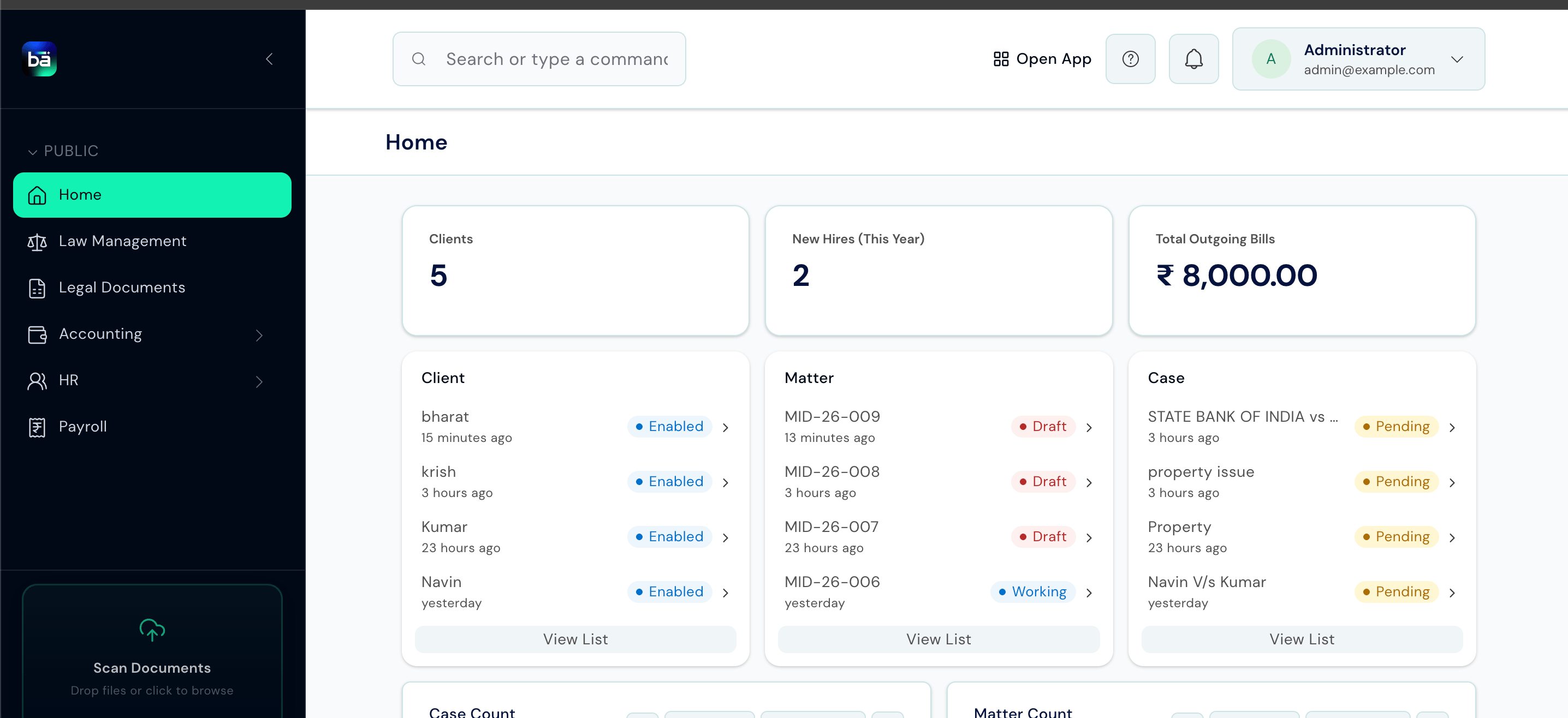
Workflow Overview
- Law Management
- Appointment
- Library
The core legal workflow from client registration to case management.
1
Client
Register the client - the person or organisation the firm acts for.
2
Matter
Open a matter (client file) and assign it a type, court, and status.
3
Case
File a court case within the matter with its CNR number and court details.
What Law Management Does
Matter Management
Open and manage client files from intake to closure, with tasks, timelines, and billable service entries.
Case Tracking
Record court cases with CNR numbers, log every hearing, and manage parties, evidence, and applications.
Appointments
Define lawyer availability and book client meetings, including video conferencing support.
Legal Documents
Draft legal notices from reusable templates and track every postal dispatch to the other side.
Billing
Record services rendered against matters and raise invoices through BAS.
AI Assistant
Upload case documents, ask the AI questions about them, and generate structured reports.
Key Concepts
These four records form the backbone of Law Management. Every other record traces back to one of them.Who Uses What
Next Steps
Getting Around
Learn the workspace layout, shortcuts, and navigation groups.
Setup
Configure masters and settings before your team starts working.
Clients and Matters
Open client files, manage tasks, and record billable work.
Cases
File court cases, add parties, and log hearings and evidence.