

Shortcut Tiles
Six shortcut tiles sit at the top of the workspace. Each one shows a live count and takes you directly to that list.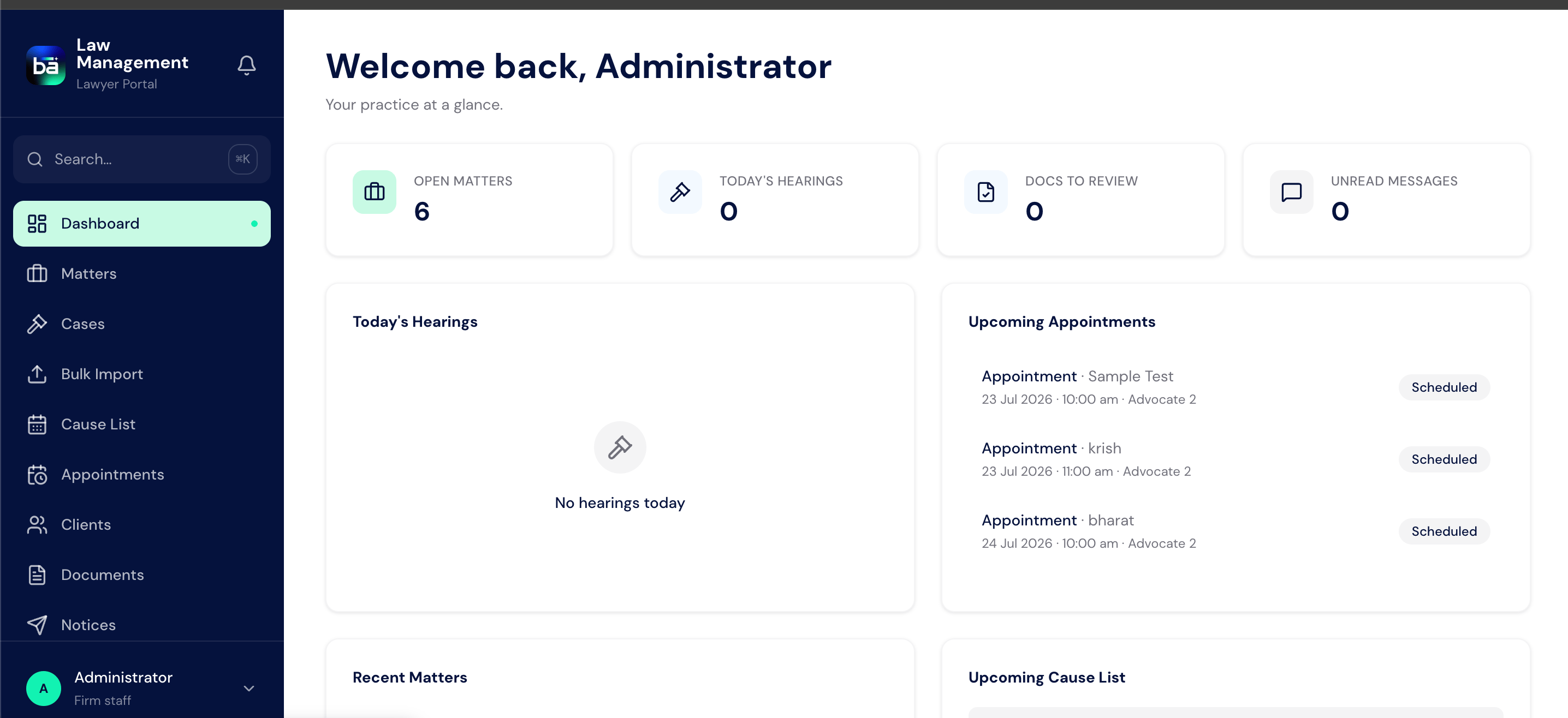
Click the number on any tile to jump straight to the filtered list.
Navigation Card Groups
Below the shortcuts, the workspace is organised into nine card groups. Each group contains links to related records.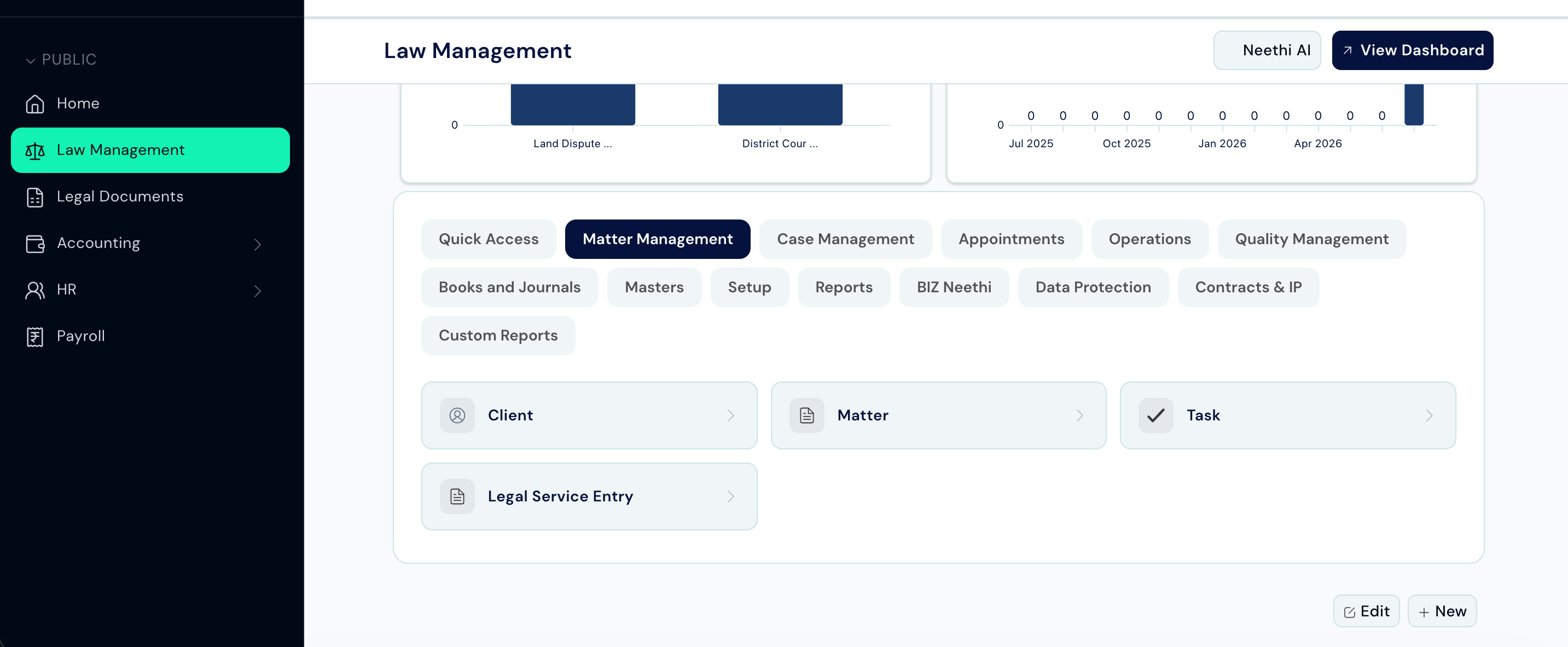
Matter Management
The day-to-day client file management group.Case Management
Court case records.Appointments
Client meeting management.Operations
Administrative operations.Quality Management
Practice quality tracking.Books and Journals
In-house library management.Masters
Reference data that other records depend on. Configured once by an Administrator.Setup
System configuration.Reports
Legal Documents Sub-Workspace
Legal Documents is a sub-workspace nested under Law Management. It has its own shortcut and card groups. How to get there: Select Legal Documents from the module menu.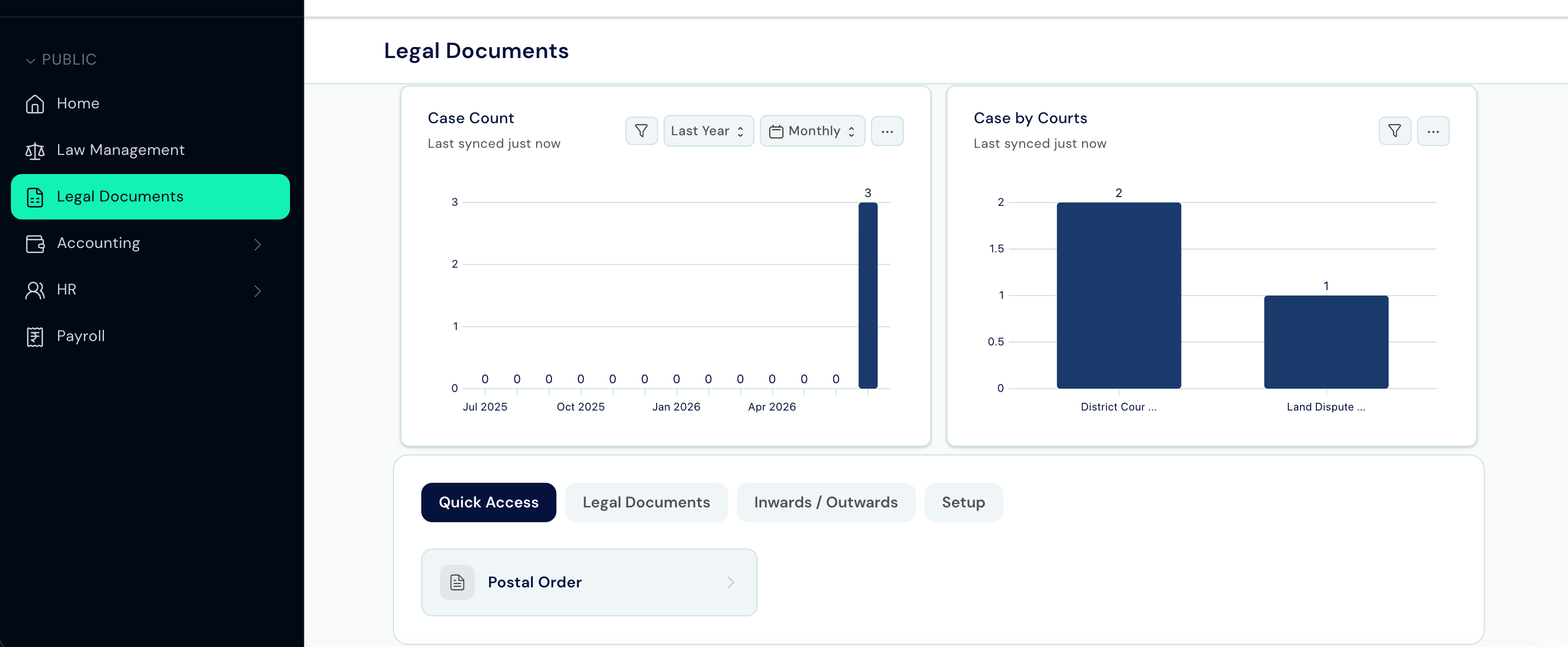
Shortcut
Card Groups
Tips
- The Matter tile count includes all non-cancelled matters, not just open ones. Filter by Status = Open inside the list to see your active caseload only.
- The Dashboard shortcut opens a separate analytics view - it is not a count tile.
- If you cannot see a card group or link, your role may not have access to that record type. Contact your Administrator.