

Role: Administrator - All setup tasks on this page are performed by an Administrator. Legal Staff require these records to exist before they can open matters, file cases, or book appointments.
Setup Order
Some records depend on others. Follow this sequence to avoid errors:Branch
A branch is an office location of the firm. Matters, appointments, and meeting rooms are all linked to a branch. Path: Law Management → Setup → Branch → New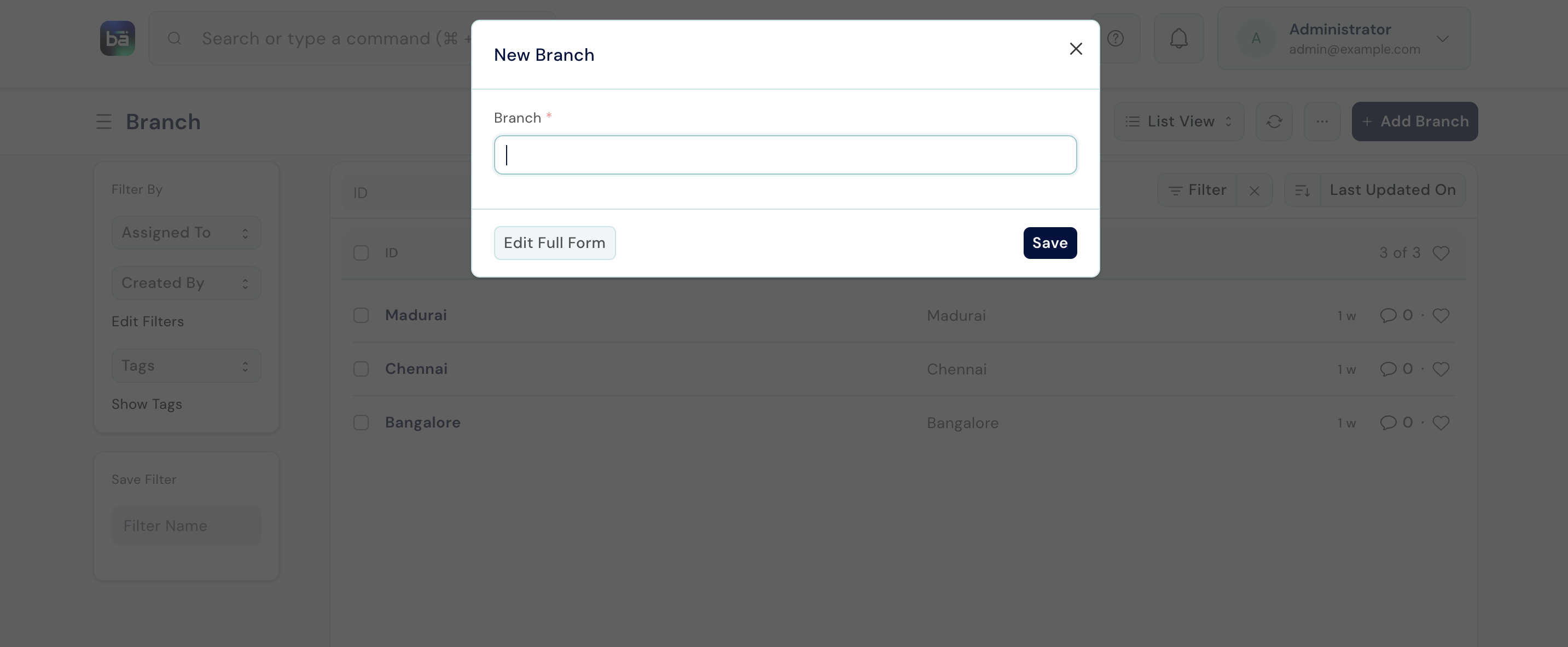
Matter Type
Matter Types are the top-level categories of legal work your firm handles. Every matter must be assigned one. Path: Law Management → Masters → Matter Type → New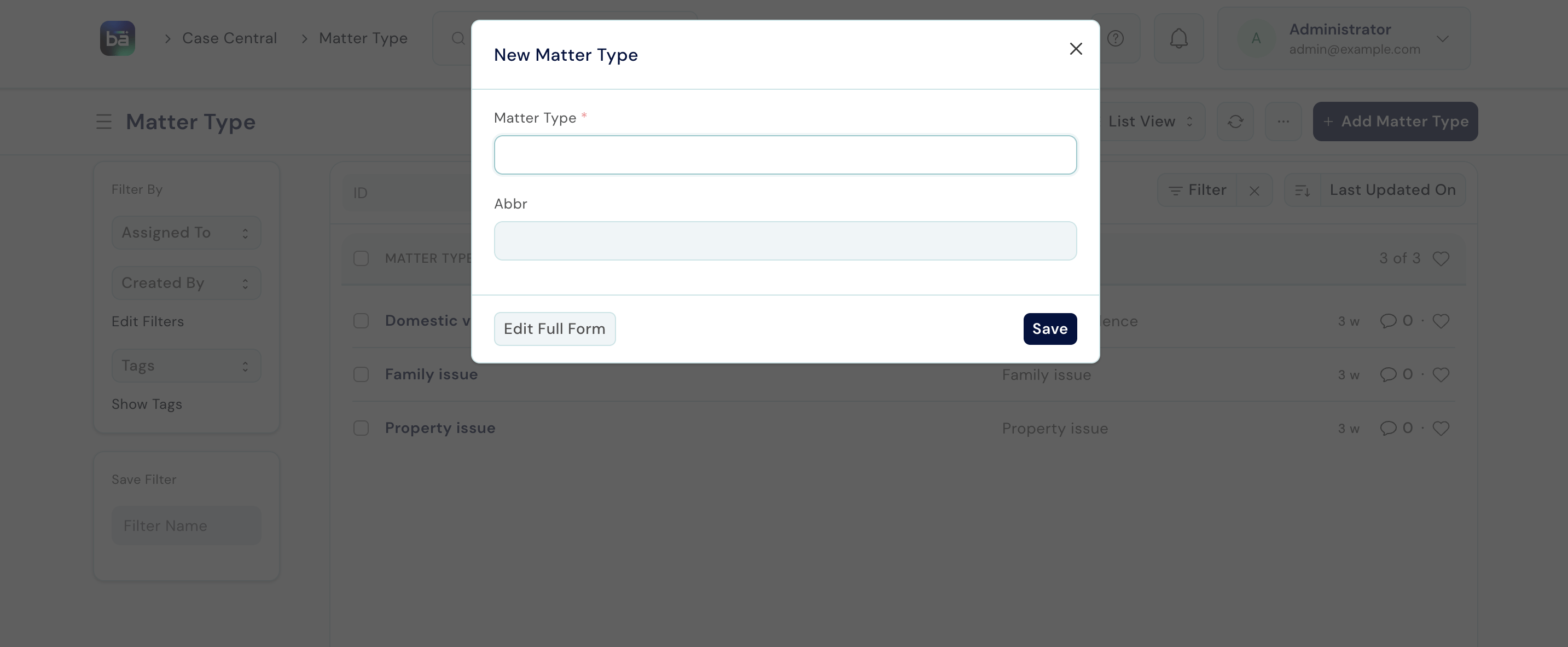
Service Type
Service Types sit below Matter Types and describe the nature of legal service within a category. Path: Law Management → Masters → Service Type → New Requires: Matter Type must exist first.Service (Court / Jurisdiction)
A Service represents a specific court or jurisdiction the firm practises in. This links a matter or case to the court where it is filed. Path: Law Management → Masters → Service → New Requires: Service Type must exist first.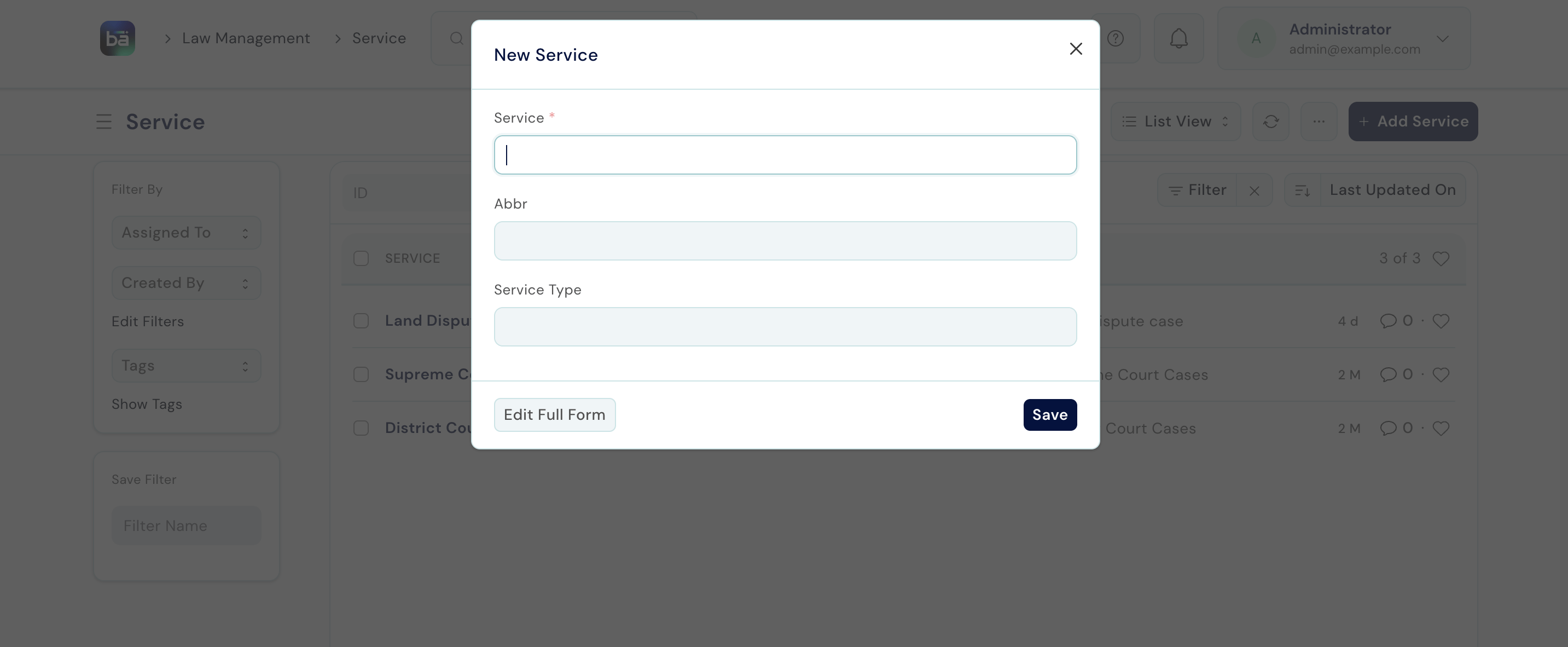
File Type
File Types are classification codes for labelling the physical client files in your office. Path: Law Management → Masters → File Type → NewTask Type
Task Types categorise the internal work items created within matters. Path: Law Management → Masters → Task Type → NewAppointment Type
Appointment Types categorise the meetings clients can book with lawyers. Path: Law Management → Appointments → Appointment Type → NewLegal Service
Legal Services are the items in the firm’s billing catalogue. Each service must have a rate before it can be recorded against a client matter. Path: Law Management → Operations → Legal Service → New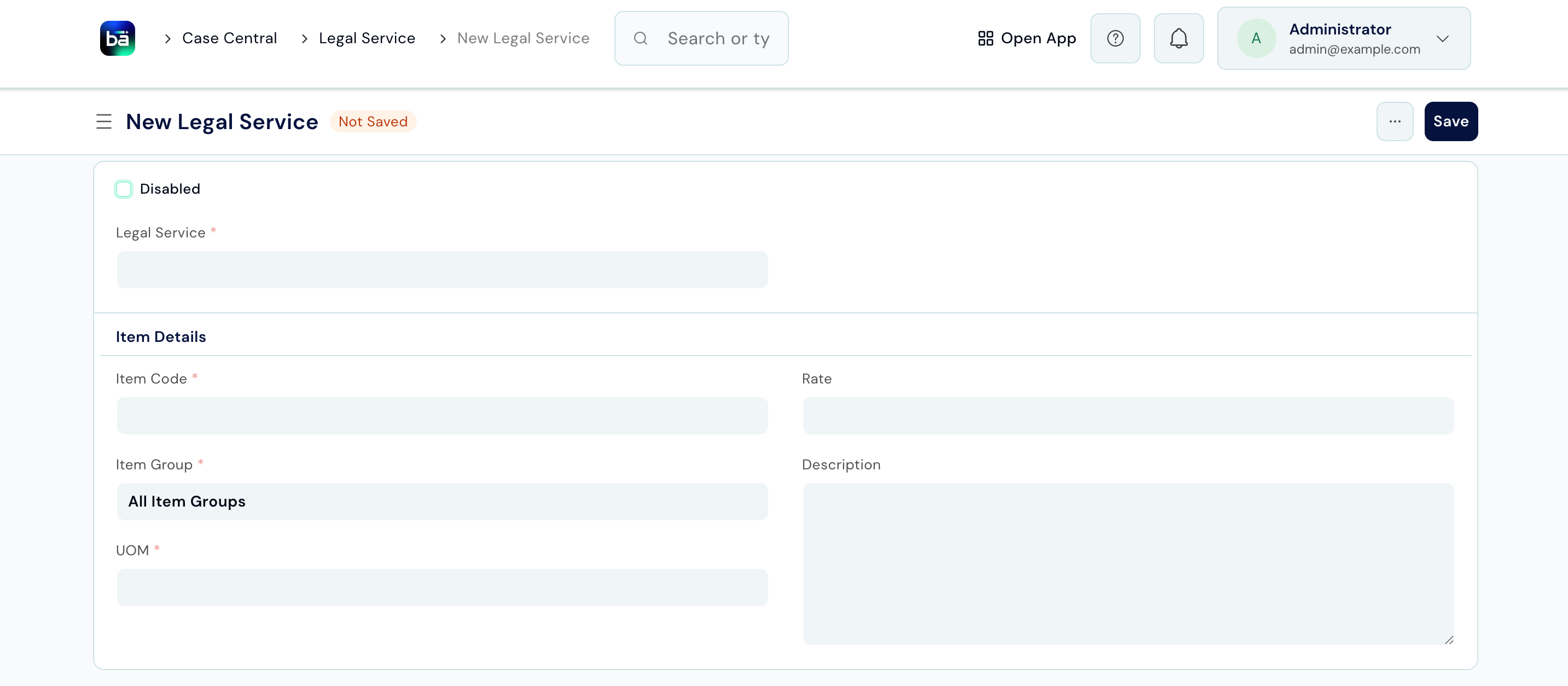
Matter Templates
Templates let you pre-populate a standard set of tasks whenever you open a particular type of matter - saving time on repetitive setup. Path: Law Management → Setup → Matter Template → New
When opening a new matter, select a template to have all its tasks created automatically.
Quality Goals
Quality Goals define measurable standards the firm aims to meet - for example, “Log all hearings within 24 hours” or “Confirm client appointments 48 hours in advance.” Path: Law Management → Quality Management → Quality Goal → New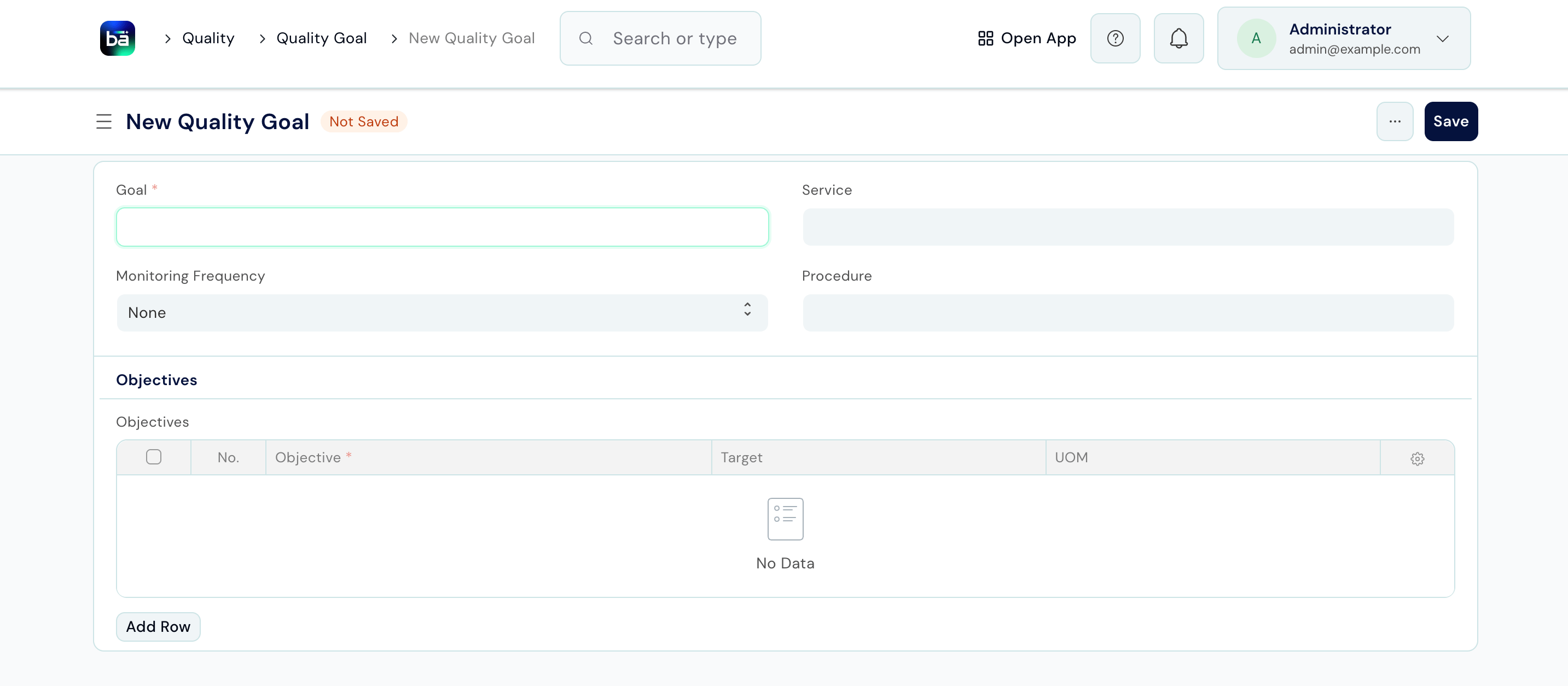
Conduct a Quality Review
A Quality Review is a periodic check against a goal. Reviews create a permanent record of whether each objective was met. Path: Law Management → Quality Management → Quality Review → New Requires: At least one Quality Goal must exist.Law Management Settings
Path: Law Management → Setup → Law Management SettingsTips
- Set up Masters before opening your first matter. If Matter Type, Service Type, or Service records don’t exist, staff will not be able to select them on the matter form.
- Set the Rate on every Legal Service before Legal Staff start recording work - entries without a rate cannot be invoiced.
- Use Matter Templates for any matter type you open regularly. Even a template with 3–4 standard tasks saves significant time over hundreds of matters.
- Quality Goals work best when specific and measurable. “Respond to all client queries within 2 business days” is actionable; “Improve client service” is not.