

Role: Legal Staff - All case management tasks on this page are performed by Legal Staff (Advocates, Paralegals).
Cases
A Case is a specific court proceeding within a matter. One matter can have multiple cases - for example, a main suit and a related execution petition.Create a Case
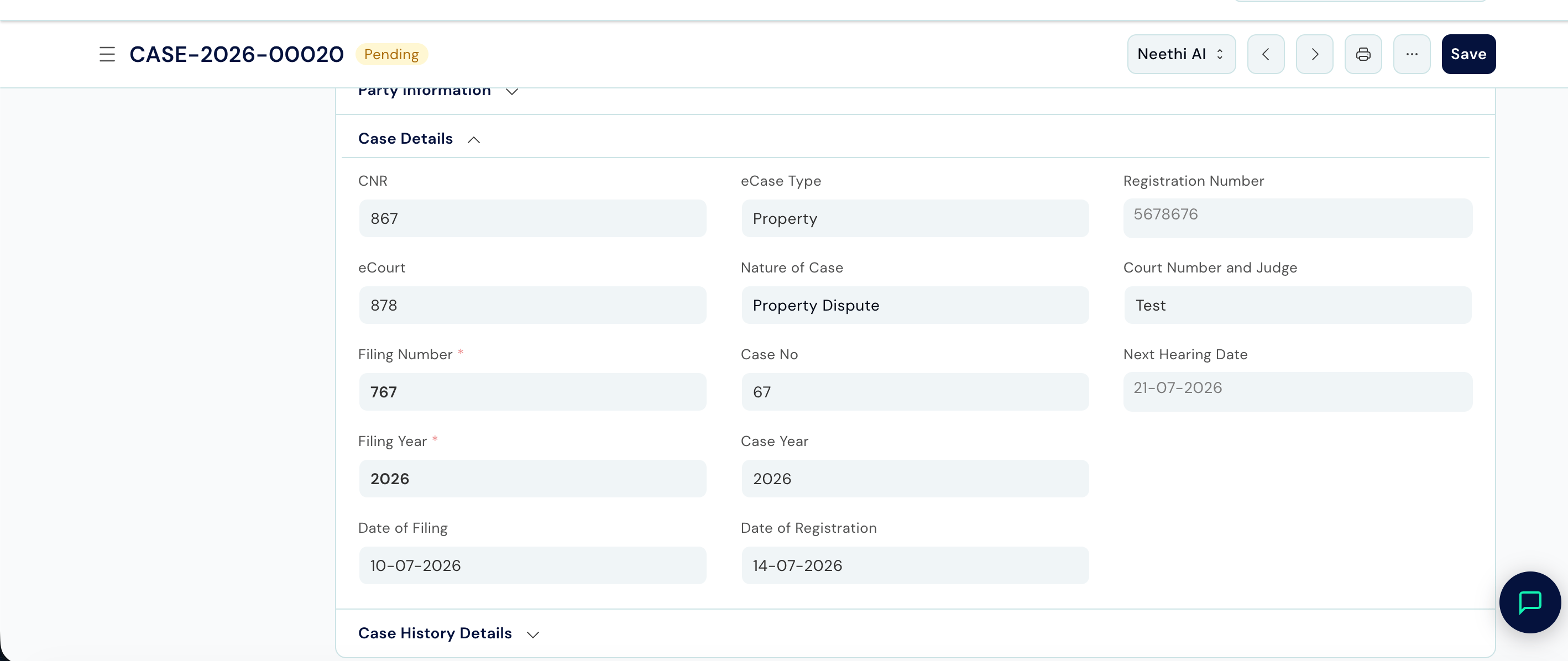
Path: Law Management → Case Management → Case → New Requires: A matter must already be open. The relevant Service (court) must be configured in Setup.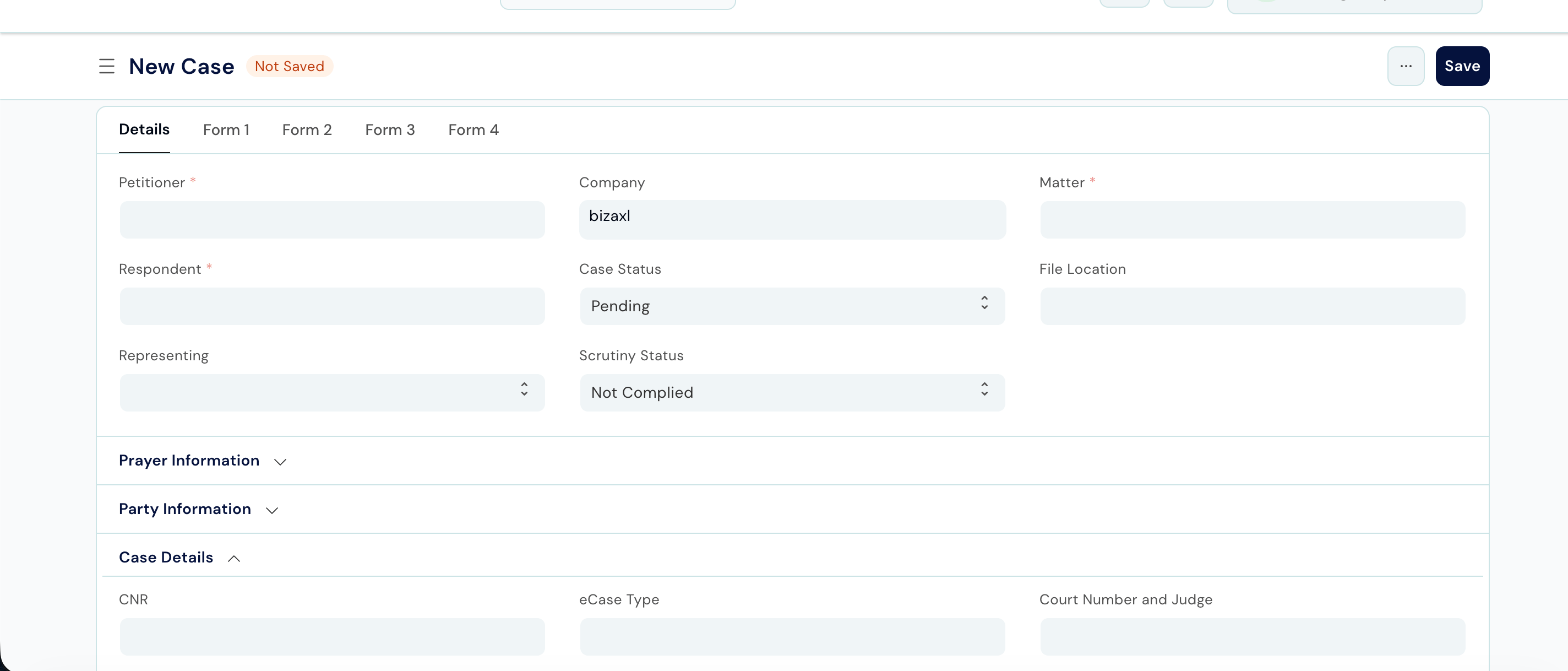
Parties
Parties are the individuals or entities formally named in the case - your client, the opposing side, and any other named person. There is no separate party record: you enter party details directly on the Case, in a Party Information section split into two tables, one for each side of the case.Add Party Information to a Case
Path: Open the Case → Party Information section → Petitioner Details / Respondent Details → Add Row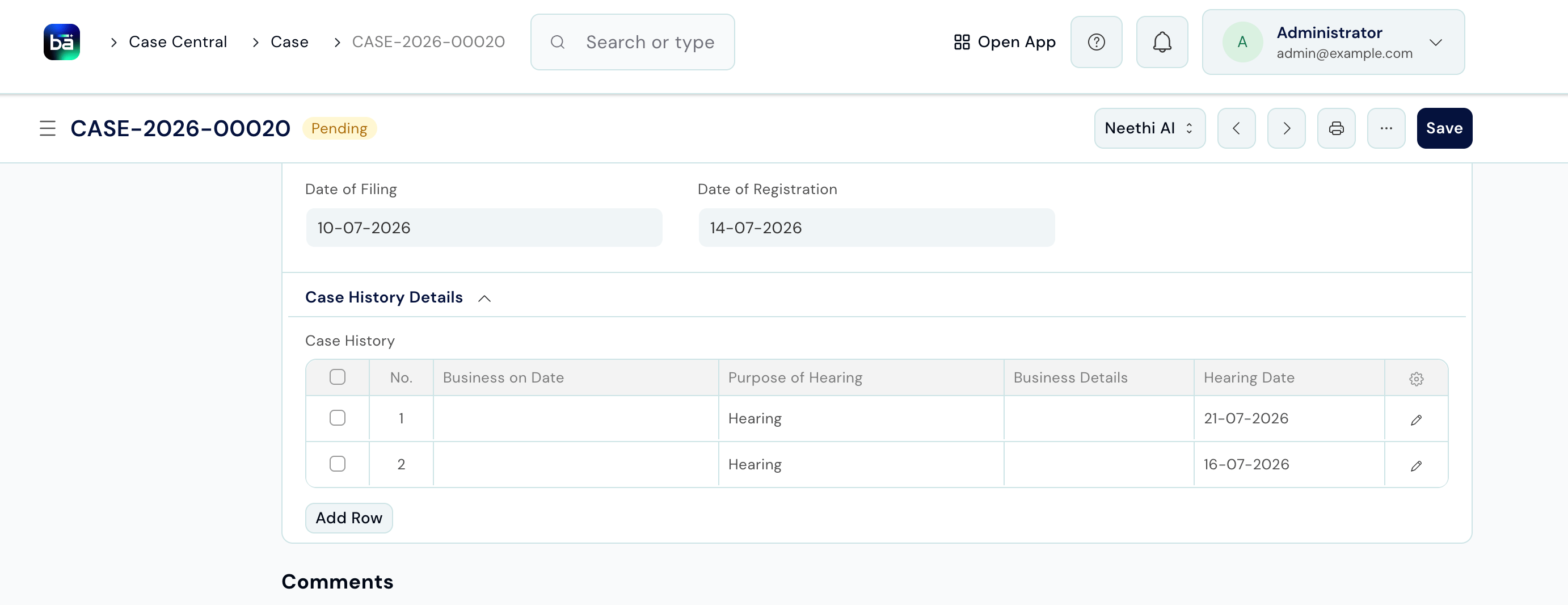
Case History (Hearings)
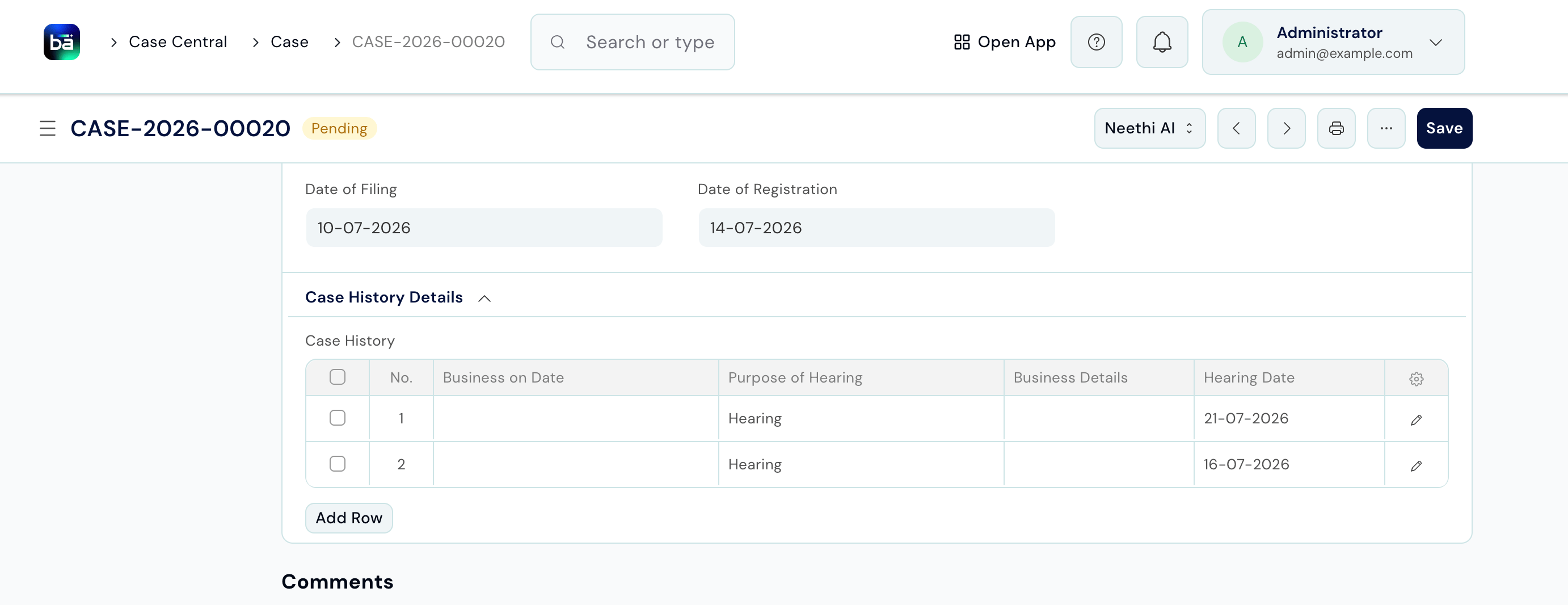
After every court hearing, log what happened in the Case History. This gives you a complete chronological record of the case’s progress. Path: Open the Case → Case History tab → Add Row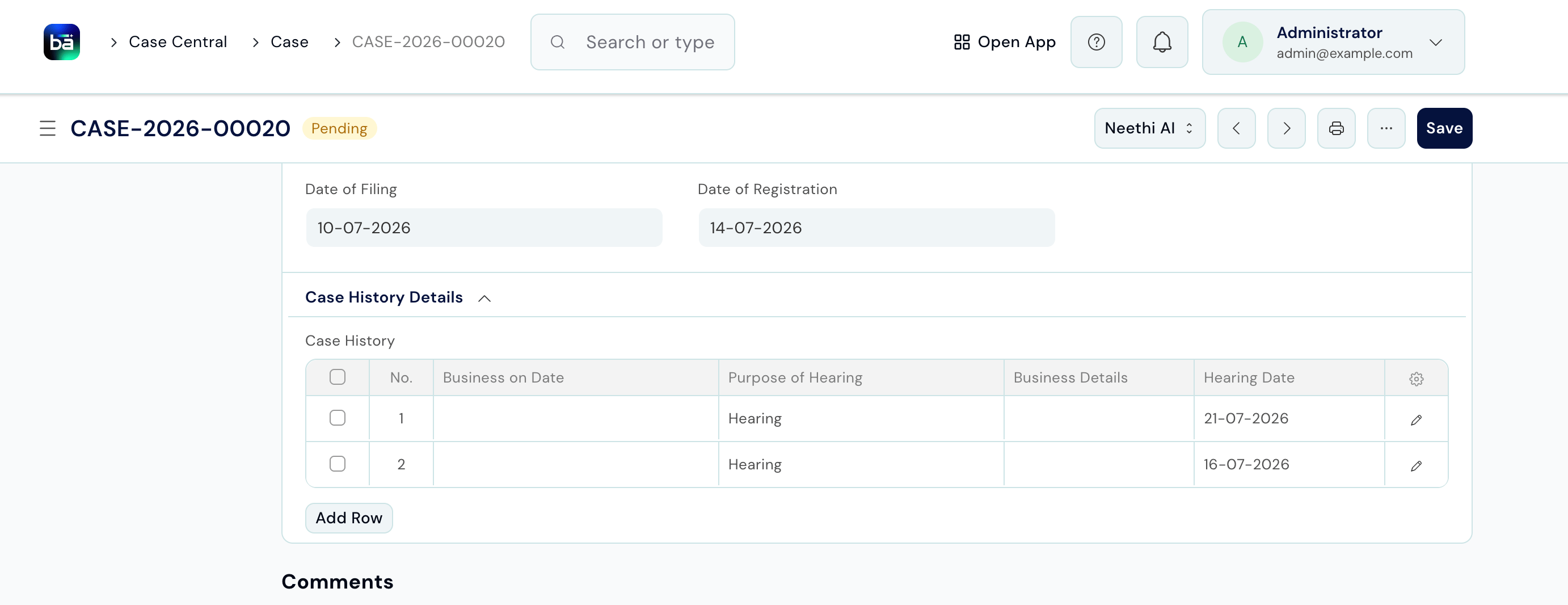
Caveats
A caveat is a pre-emptive court filing that ensures your client is heard before any order is passed against them. File one when you anticipate the other side may approach a court without giving notice. Path: Law Management → Case Management → Caveat → New Requires: A matter must exist. The relevant Service (court) must be configured.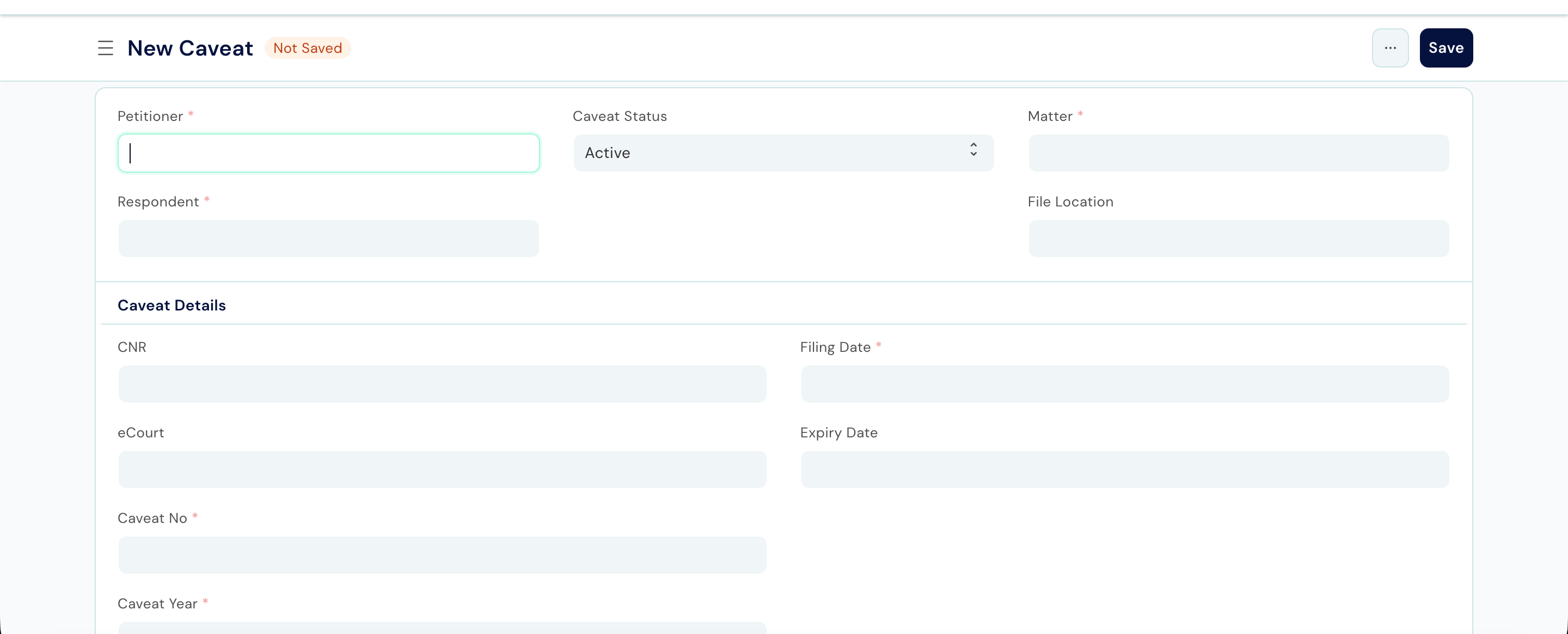
Interim Applications
An interim application (IA) is a request for temporary relief filed while the main case is pending - for example, a stay order, an injunction, or an attachment before judgment. Path: Open the Case → Interim Applications tab → Add Row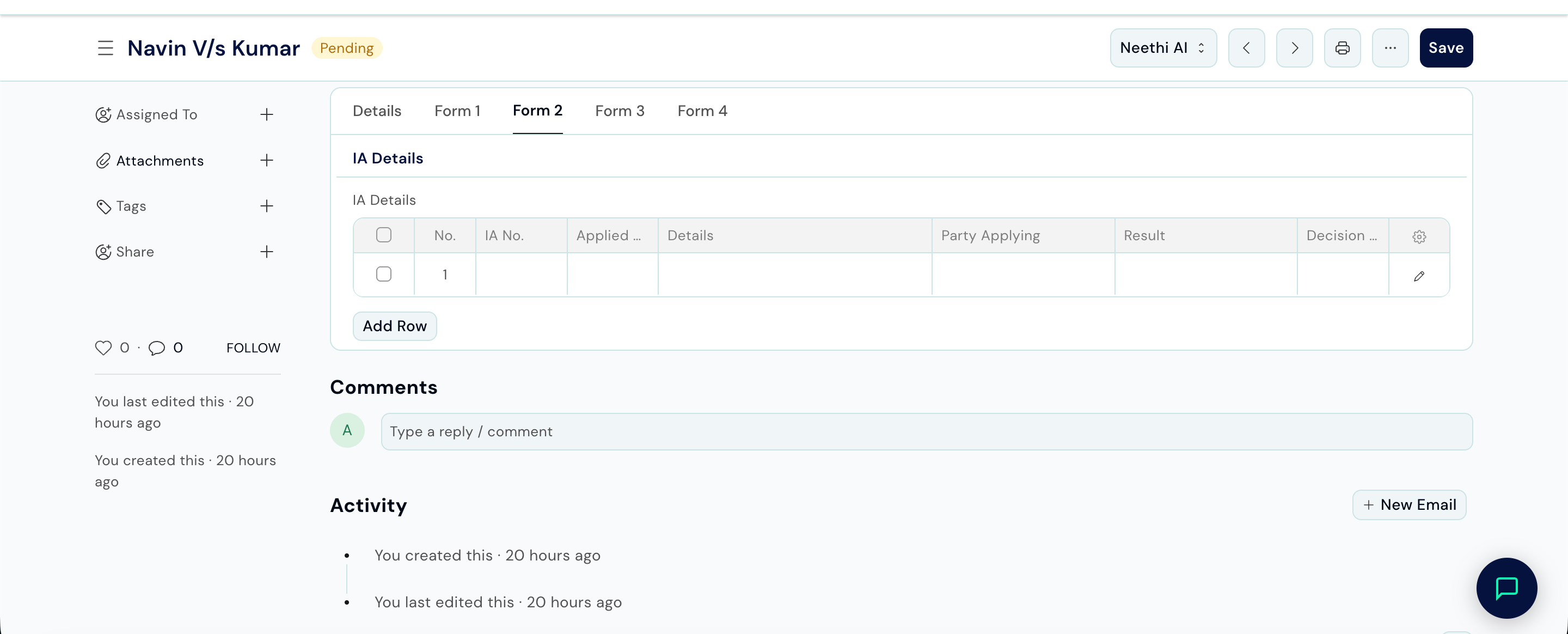
Exhibits
An exhibit is a document or object admitted as evidence in the case. Path: Open the Case → Exhibits tab → Add Row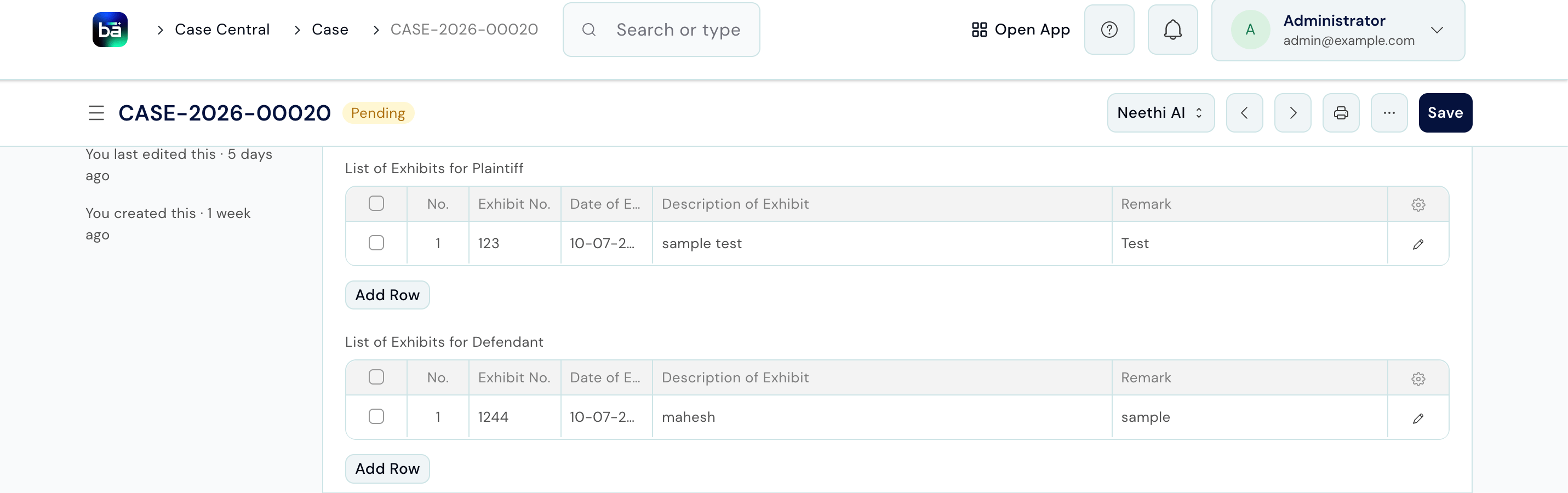
Witnesses Examined
Record each witness who appeared and gave evidence. Path: Open the Case → Witnesses Examined tab → Add RowCourt Forms
If you file an application using a standard court-prescribed form, record it here. Path: Open the Case → Court Forms tab → Add RowTips
- Log hearings the same day - details like the judge’s name and what was transacted are easy to forget. A same-day entry takes two minutes and avoids errors later.
- Fill in Party Information as soon as the Case is created - having the Petitioner and Respondent Details tables complete before the first hearing avoids scrambling for names and addresses later.
- Use Caveat status = Expired to keep your active caveat list clean. Expired caveats should still be retained for the record but no longer appear as active.
- Number exhibits consistently - agree a firm-wide convention (e.g. Petitioner’s documents as P-1, P-2; Respondent’s as R-1, R-2) and apply it across all cases.
- Record the Next Hearing Date in Case History - this is what the team uses to track upcoming court dates. Keep it current after every hearing.