What This System Does
A medical retail business deals with challenges that ordinary retail does not face: medicines expire, batches must be traced, licences apply, and tax compliance is strict. Getting any of these wrong has real consequences - for your customers, your business, and regulatory compliance. Bizaxl Medical Retail handles all of this in one place:- Batch and expiry tracking - every medicine is tracked by batch number and expiry date so you always know what is nearing expiry and what is safe to sell
- Inventory control - real-time stock counts across your store and back office, with reorder alerts before you run out
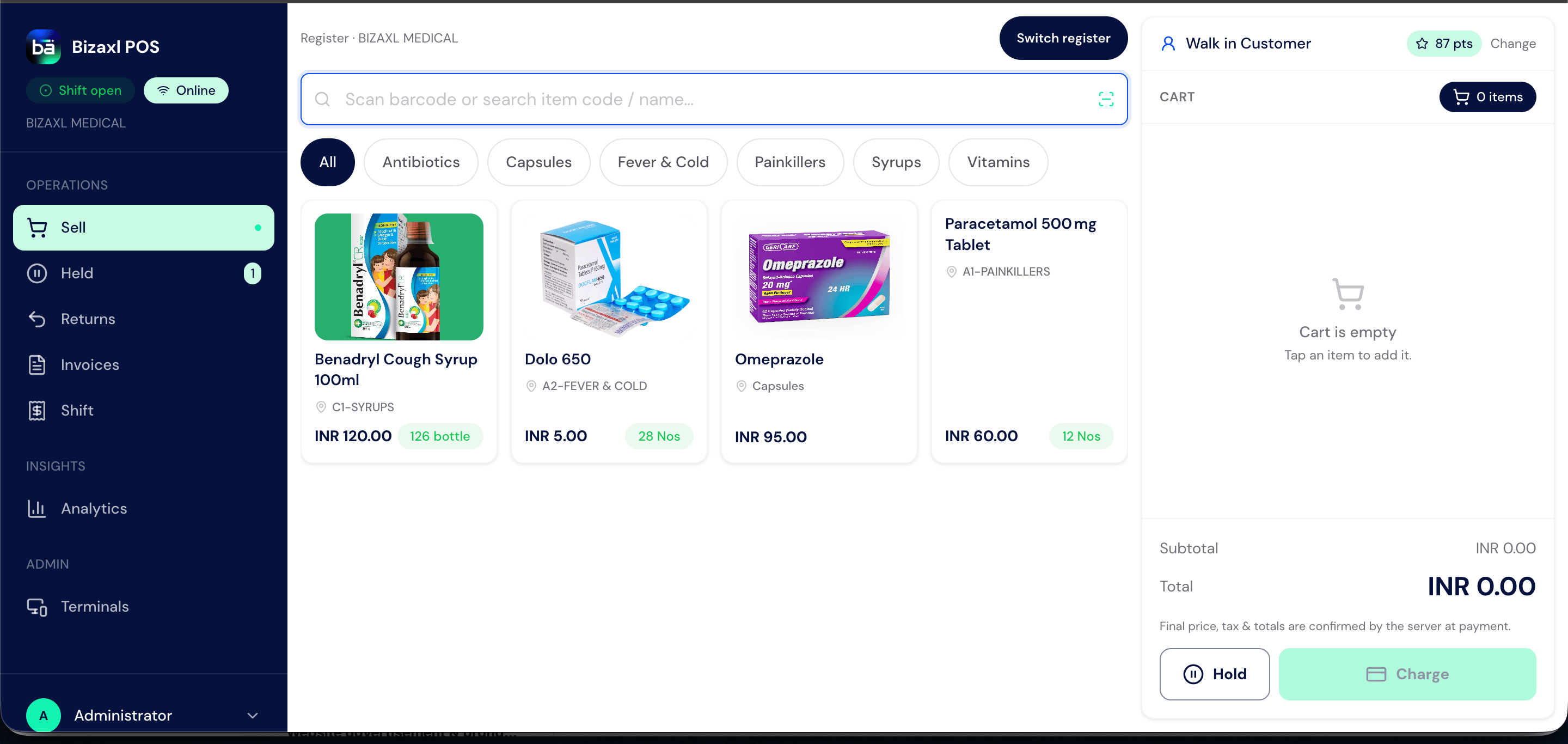
- Point of Sale - fast, accurate billing at the counter with support for cash, card, and digital payments
- Purchasing - full purchase cycle from raising a purchase order to recording the invoice
- Financial accounting - sales, purchases, payments, and tax filings in one integrated system
- GST compliance - built-in support for Indian GST, e-invoicing, and e-waybills
Who Works in This System
Business Challenges This Solves
Expiry waste. Medicines that expire on your shelf are a direct financial loss. Without systematic expiry tracking, staff have no reliable way to move near-expiry stock first (FEFO - First Expiry, First Out). Bizaxl tracks expiry date at the batch level for every product. Batch traceability. If a batch recall is announced by a manufacturer, you need to know exactly which customers received that batch. Manual records cannot support this. Bizaxl keeps a full audit trail from supplier batch to sale. Stockouts on critical medicines. Running out of a prescribed medicine damages customer trust and sends them to a competitor. Reorder level alerts ensure your purchasing team is notified before stock runs out. GST complexity. Medical products carry different GST rates - some are exempt, some at 5%, some at 12%. Applying these correctly at the point of sale and reconciling them for GSTR filing is error-prone without automation. Bizaxl handles this with preconfigured tax templates. Cash and payment reconciliation. POS sessions must be closed and reconciled at the end of each day. Without a structured process, cash discrepancies go unresolved and entries remain inaccurate. Supplier payment management. Distributors extend credit terms. Tracking which invoices are due when - across multiple suppliers - requires a payables system, not a spreadsheet.How the System Is Organised
Your Bizaxl system is divided into workspaces - dedicated areas for each part of the business:Business Lifecycle
1
Distributor or supplier sourced
You identify the distributor or supplier for the medicines you stock.
2
Purchase order raised
A purchase order is raised for the required items.
3
Goods received at store
Goods arrive and are booked in through a Purchase Receipt.
4
Batch and expiry recorded
Each batch and its expiry date are recorded for traceability.
5
Stock updated in inventory
Inventory levels update to reflect the received goods.
6
Medicine available for sale
Items become available to sell at the counter or by order.
7
Customer purchase
A customer buys at the counter (POS) or places an order (Sales Order).
8
Payment collected
Payment is collected and recorded against the sale.
9
Sales invoice generated
A GST-compliant sales invoice is generated for the purchase.
10
Stock decremented
Stock is reduced with the specific batch tracked.
11
Returns handled when needed
If a return is needed, it is processed, stock is restocked, and a refund is issued.
12
Supplier invoice recorded
The supplier invoice is recorded and payment is processed.
13
GST returns filed
GST returns (GSTR-1, GSTR-3B) are filed for the period.
14
Financial reports and management review
Financial reports are produced and reviewed by management.
Key Records
These are the core records you will work with every day:Next Steps
Feature Overview
See every feature in one place with a quick summary of what each one does.
Getting Around
Learn the workspace layout, navigation, and how to find what you need fast.
Items Catalogue
Set up your product list with batch tracking, expiry, and pricing.
Point of Sale
Run the billing counter and process customer payments.