

Who Uses This Feature
Open the Till
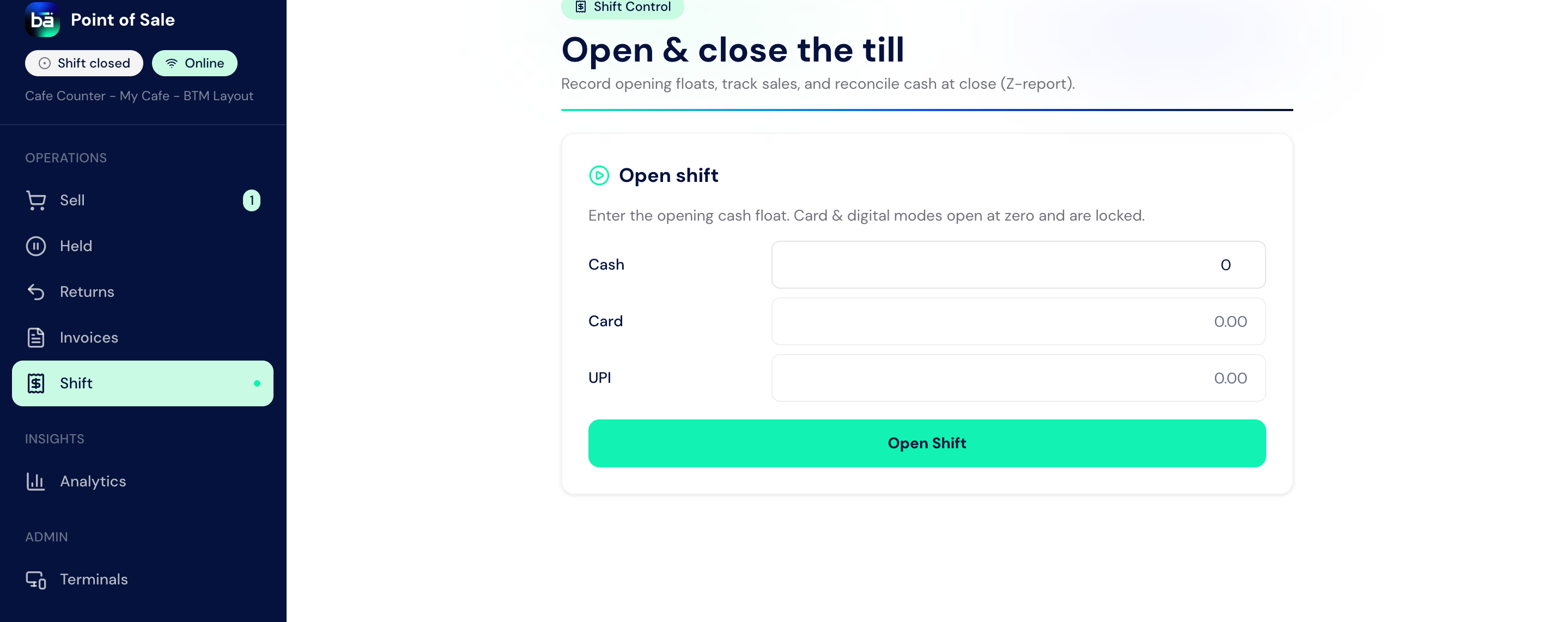
At the start of a shift, the cashier opens the till by creating a Cafe Opening Entry. This records the cash already in the drawer, who is on the till, and which terminal it is.1
Start the opening entry
Begin a Cafe Opening Entry for your shift.
2
Count and enter the opening cash
Count the cash float in the drawer and enter it as the opening cash amount.
3
Confirm the cashier and terminal
Confirm you are the cashier on the session and which terminal or till it is.
4
Open the session
Open the session. Its status becomes
Open and you can now bill orders against it.Field Guide: Cafe Opening Entry
An opening entry stays
Open until its closing entry is submitted, at which point it becomes Closed.
Close the Till
At the end of the shift, the cashier closes the till by creating a Cafe Closing Entry. BIZ Cafe computes the shift’s sales by tender, works out the expected cash, and compares it against the cash the cashier physically counts.1
Start the closing entry
Begin a Cafe Closing Entry against your open session.
2
Review the computed sales
The entry shows total sales and the split by tender: cash, card, and UPI.
3
Count the drawer
Physically count the cash in the drawer and enter it as the actual cash in hand.
4
Check the difference
The entry shows expected closing cash and the difference, flagged as Balanced, Excess, or Shortage.
5
Submit to close
Submit the closing entry. The session locks, cash reconciliation is posted in the background, and the alerts are sent.
Field Guide: Cafe Closing Entry
Submitting the closing entry posts a cash-reconciliation record in the background and fires a closing-summary alert. If the till is over or short beyond the set threshold, a cash-variance alert is also sent so a manager can investigate.
What Gets Printed
Two slips support the shift:- Cafe Opening Slip, a record of the till opening.
- Cafe Closing Slip, the end-of-shift summary with the cash reconciliation.
Counters and Who May Open Them
A till session runs on a counter, and each counter lists the cashiers allowed to work it. A cashier who is not on that list cannot open the counter, and a counter that is already open cannot be opened again until it is closed. If you run more than one outlet, a cashier opens a counter at their own outlet only. See Outlets and Counters for setting counters up and assigning cashiers.Upstream and Downstream Dependencies
- A till session must be open before billing; the counter depends on it. See Counter & Billing.
- The closing entry depends on the bills taken during the session to compute sales by tender.
- A submitted closing entry feeds the background cash reconciliation and the Z-report, and closes its opening entry.
Best Practices
- Open the till first thing. Nothing can be billed until the session is
Open. - Count the float at opening, not from memory. An accurate opening cash amount is what makes the closing reconciliation meaningful.
- Physically count the drawer before entering actual cash. Do not guess; count notes and coins.
- Close every session the same shift. Closing posts the reconciliation and locks the session for an accurate Z-report.
- Investigate a variance the same shift. A flagged excess or shortage is easiest to explain while the shift is fresh.