

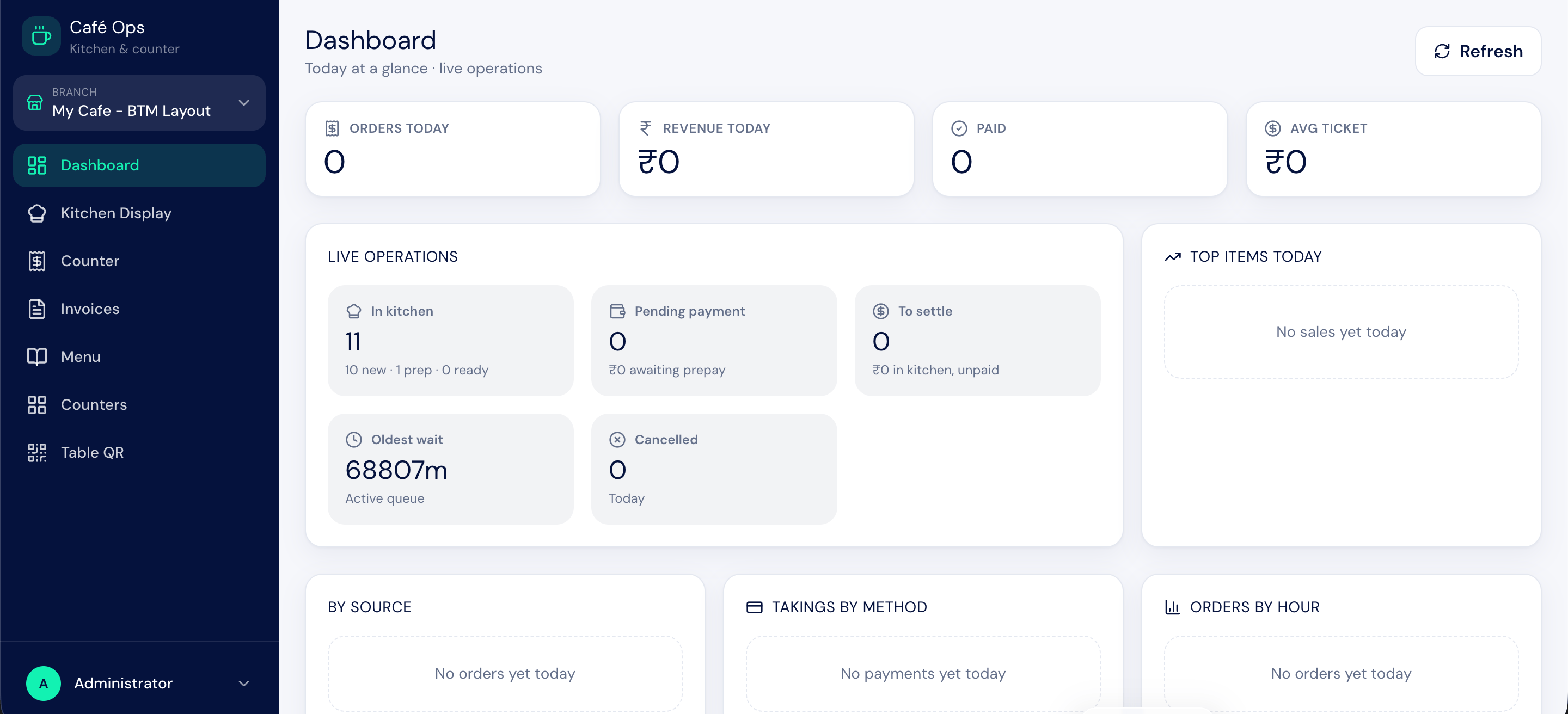
What BIZ Cafe Does
BIZ Cafe connects three surfaces around one menu and one set of records:- A guest storefront where customers scan a QR code, browse the menu, and order without logging in. The owner can re-skin its logo, contact details, and theme colours.
- A kitchen display that shows live orders for the kitchen team to prepare and mark ready.
- A counter and till where cashiers take walk-in orders, bill them, and reconcile cash at the end of the shift.
The Three Surfaces
QR Self-Ordering
Guests scan, browse the menu, add to a cart, pay online or at the counter, and track their order by token.
Kitchen Display
A live board for the kitchen team to advance orders from new to preparing to ready.
Counter & Billing
Take counter orders, bill by Cash, Card, UPI, or Split, and reprint receipts.
Brand Your Ordering Site
Re-skin the storefront with your logo, contact details, and six theme colours.
Who Works in BIZ Cafe
Each person sees only the parts of the system they need.How an Order Flows
A typical order moves through this sequence:1
Guest places an order
A customer scans the table QR code, browses the menu, and submits an order from their phone, or a cashier takes the order at the counter.
2
Kitchen prepares it
The order appears on the kitchen display. The kitchen team starts preparing it and marks it ready when done.
3
Order is billed
The cashier bills the order, taking payment by Cash, Card, UPI, or a split across methods.
4
Sale is recorded in the background
Submitting the bill mirrors the sale into accounting and stock automatically.
5
Guest gives feedback
The customer can rate the order and leave comments after collecting it.
Next Steps
Feature Overview
A tour of every capability in one place.
Getting Around
Learn the workspace and the two web apps.
The Order Journey
See the full lifecycle and every status value.
Menu Management
Set up categories, items, modifiers, and add-ons.